
“The manual process that followed inspections has gone. Uptick’s done wonders for us.”

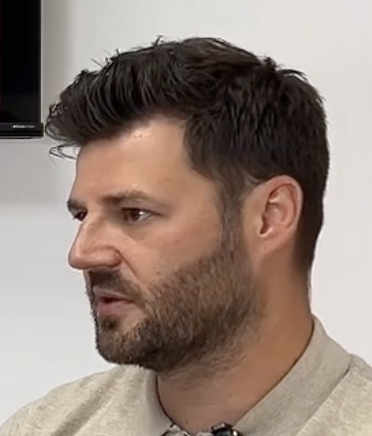
Brandon Korsmeyer
Korsmeyer Fire Protection
Korsmeyer Fire Protection is a second-generation, full-service fire protection company, based in Central Missouri, US. They install, service and inspect everything from fire sprinklers and fire alarms to kitchen suppression, extinguishers and emergency lights. We sat down with CEO Brandon Korsmeyer to hear why the team made the switch to Uptick, and what’s changed since.
Outgrowing paper-and-pen
Korsmeyer’s old software had been in place for about 10 years, and it was never built for fire protection. It lacked centralized data, and they were constantly having to switch between different programs.
“We had an outdated platform and we knew it was time to make a change,” says Brandon. “It wasn’t really designed for us, so we were kind of hybrid, making things work. A lot of the business was still the old paper way. It was kind of 50/50. We just knew there had to be something better out there.”
Keeping pace with the industry
They interviewed a couple of software providers that Brandon calls “the dinosaurs of the market,” before they came to Uptick.
“One of the things that stuck out to us with Uptick is that it reminded us more of a technology partner, than just a platform,” he says. “We liked the fact that it continued to reinvent itself, and since we made the switch, we feel like it has lived up to that. There’s constant improvements, constant modifications for the better.”
“The more we dug into Uptick, the more we felt like it was the right move,” explains Brandon. “It’s evolving with the way the industry is evolving, and it’s helping us keep pace with that.”
Post-inspection admin that handles itself
Before Uptick, Korsmeyer’s processes were “time-consuming and inefficient,” says Brandon. For instance, inspection reports used to be a simple PDF that someone had to print off or email on. Now, each inspection type has its own specific questions.
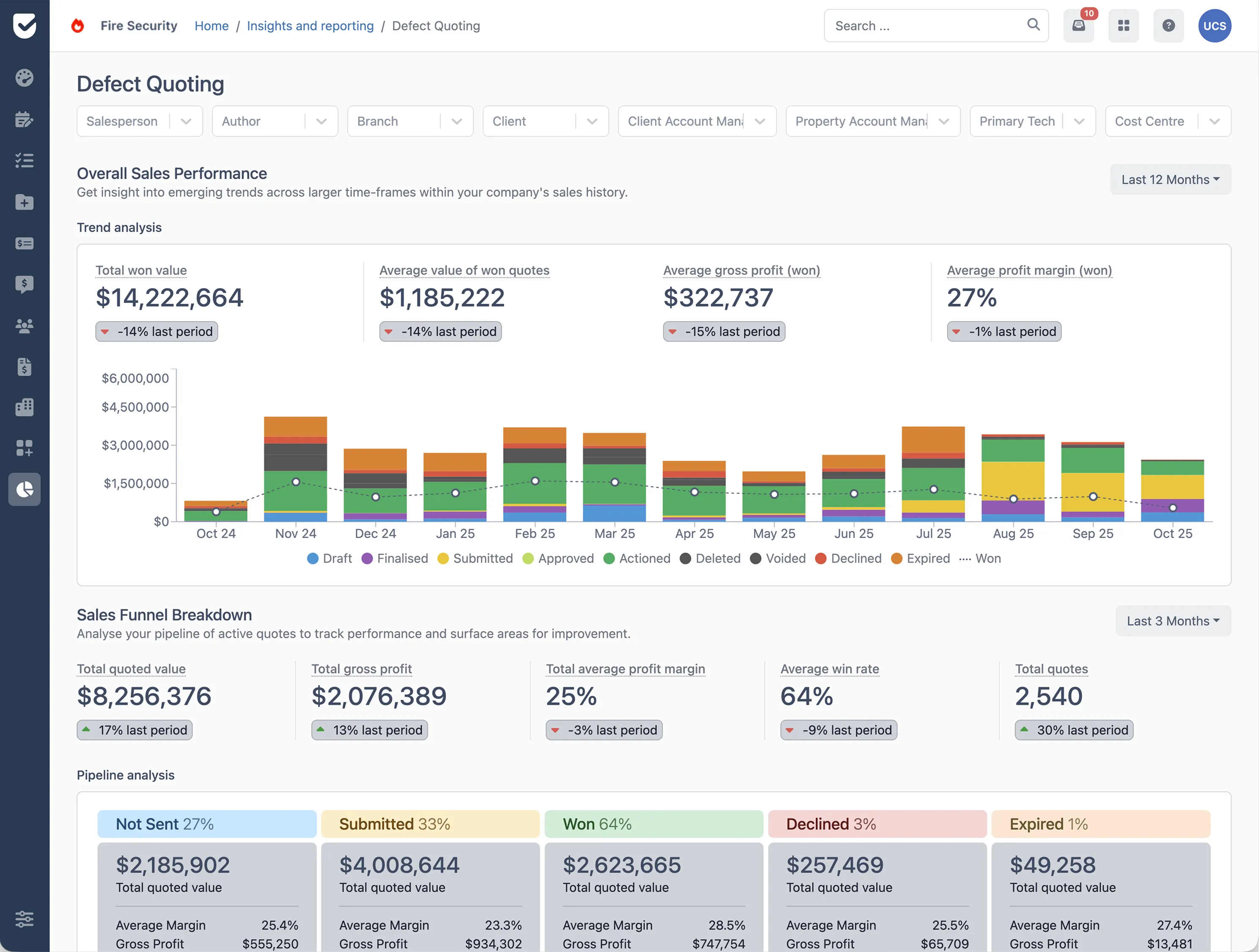
“When that inspection report is completed, it automatically goes to whoever’s bucket needs to be working on that next,” Brandon explains. “Whether it’s someone who’s going to invoice it or someone who’s going to make a deficiency quote, it’s already there waiting for them.”
“We now issue invoices within a few days, compared to the several weeks it previously took,” adds Brandon. “The manual process that followed an inspection has completely gone away.”
Taking the guesswork out of job scheduling
The Uptick feature the team likes most is the AI Scheduler.
“It’s a game changer,” says Brandon. “It makes scheduling a lot easier and more efficient, and takes a lot of the guesswork away from the technicians on where their next stop should be.”
“It’s working exceptionally well for new technicians who are still getting used to running their routes,” adds Brandon.
100% worth it
“The onboarding is a process, but it’s worth it,” says Brandon, who has “nothing but good things to say about Uptick’s Implementation team.”
“We’re issuing quotes much faster now and consistently capturing deficiencies that we previously missed,” says Brandon. “There’s a lot of features, but once you get everything up and running, it will make your business better. And more efficient. Uptick has done wonders for us.”
Key Takeaway
Korsmeyer's inspection reports now go straight to the relevant team for invoicing, quotes go out faster, field staff consistently capture deficiencies, and AI scheduling takes the guesswork out of their routes.














































What else do you need to know?
How long does it take to get started with Uptick?
The biggest factors determining the length of the onboarding process are:
- The size of your team and their training requirements
- The quality and ease of export of your data
Most companies can get up and running within 2 months.
What platforms and devices does Uptick work on?
Uptick lives in the cloud. That means Uptick is available for your desk/office users on any device (Mac, PC or Linux) via your browser with no additional software downloads.
For your field licenses, on-site staff can use either Apple or Android devices. Our fire safety management app is available in the App store on Apple devices, and the Google Play store on Android devices.
How does Uptick compare to other products?
Uptick is the only modern cloud-based solution that is purposely built for the fire protection industry.
Many alternative solutions are either generic job management platforms that you will need to tailor to your business and/or do not have the same modern cloud-based capabilities.
How does Uptick protect and secure my data?
Uptick takes data security seriously. Our customers include some of the largest companies in the industry. As we work directly with government and banking clients we have have successfully passed through rigorous security auditing and penetration testing.
In addition to being secure, we work hard to provide a reliable service. Customers on Uptick can expect an uptime of 99% (including scheduled maintenance). This translates to an average of less than 5 minutes of business-hour downtime per month for office users and no downtime for technicians. If you're a large enterprise and want monetary guarantees around reliability, we offer dedicated hosting and Uptick Support SLAs.
How does Uptick pricing work?
Uptick charges a simple per-user monthly fee for each of your desk and field users. Customer and sub-contractor licenses are unlimited and free.

No hard sell...
But you owe it to yourself to see why 1,000+ fire protection companies trust Uptick to run their business.


North America: Denver, US
UK & Ireland: London, UK
Australia & New Zealand: Melbourne, Australia




Copyright Uptick ©year. All rights reserved. Privacy Policies.