Inbox
Less admin, happier customers.
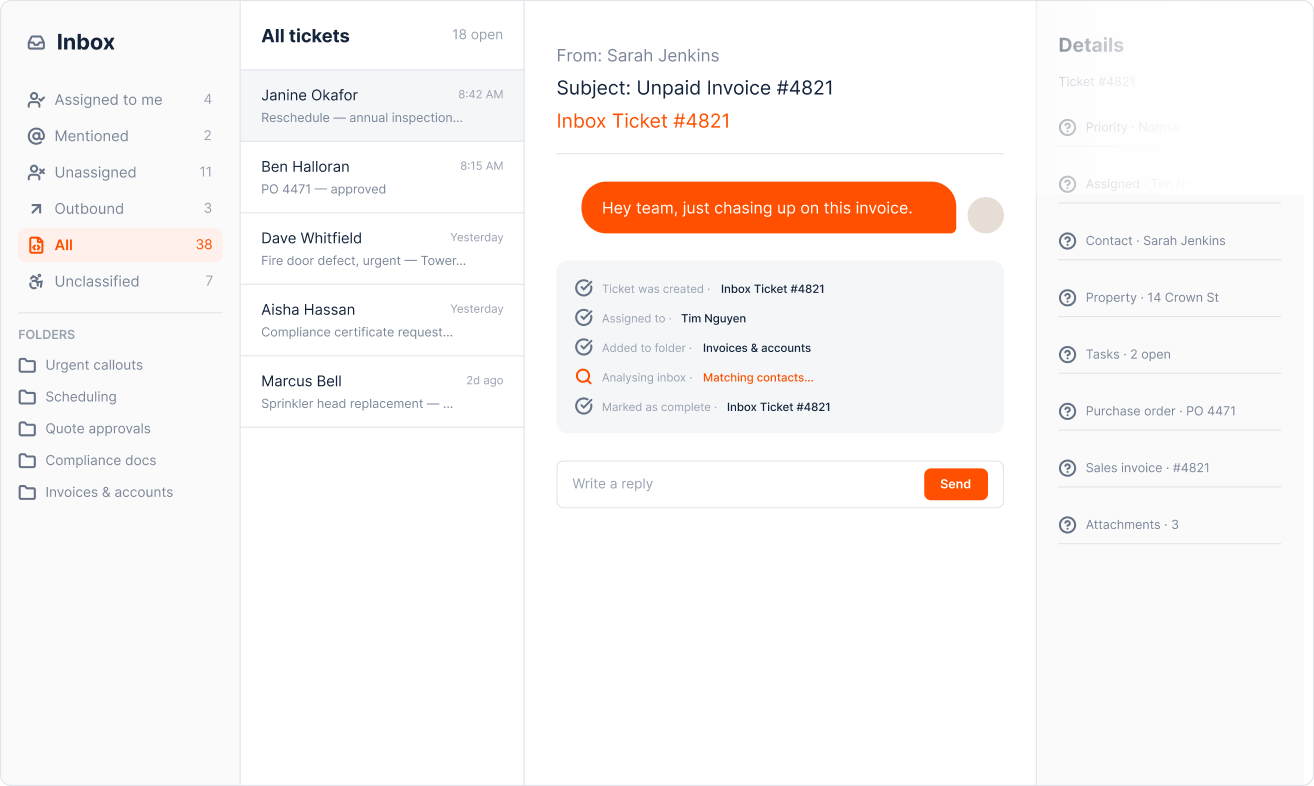
If your days look like this, your email’s holding you back

Did anyone go back to ADM with their quote yet? Can’t find the PDF.

Sorry, just back from leave - working through this backlog of service requests.

Just forwarded you an email. Do you know which PO the customer’s talking about?
The team’s doing the best they can with a
tool that was never built for their workflows.
There’s a better way
Bring email into the same platform that powers your quoting, scheduling, billing, and reporting. One connected operating system.
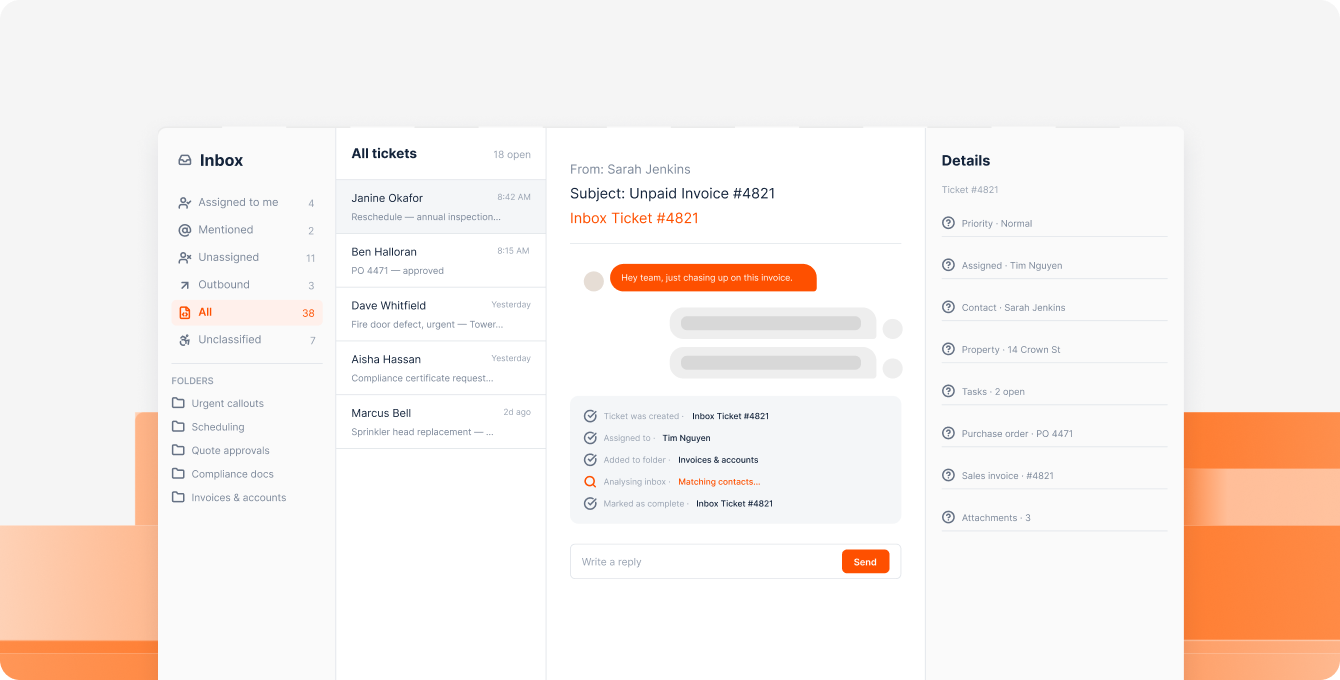

Move internal chatter out of email chains and into a shared workspace.
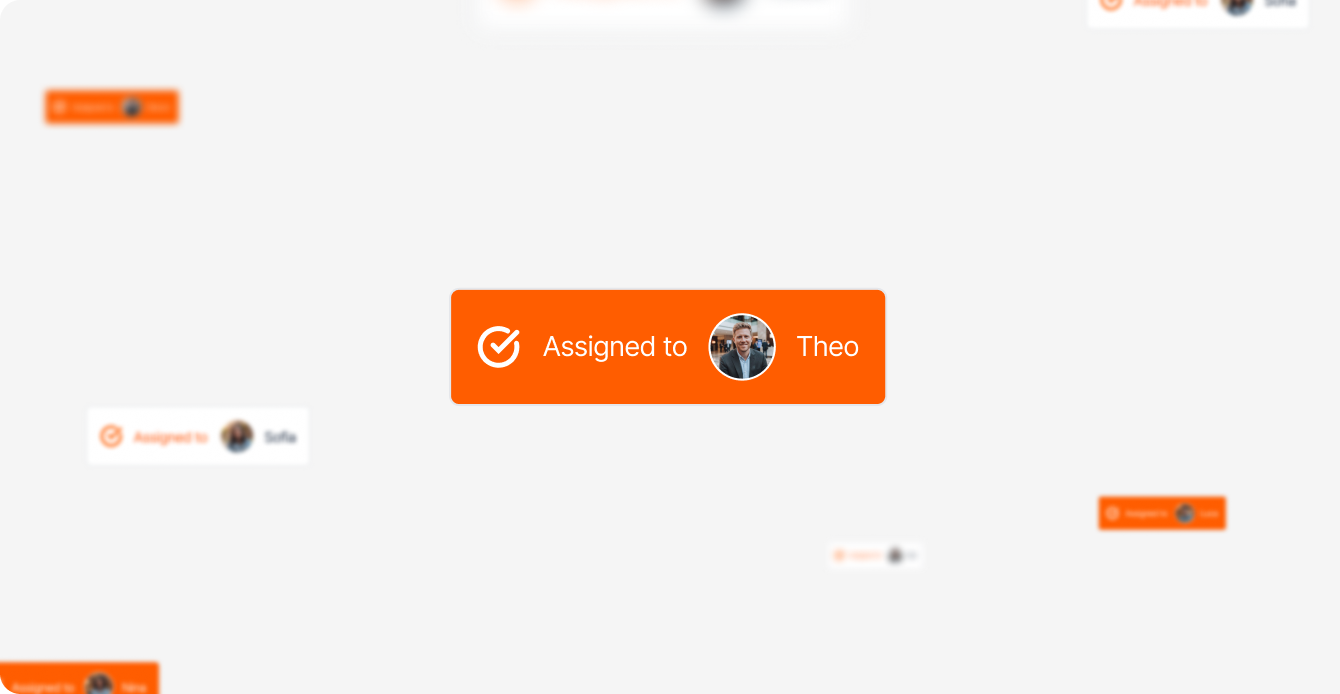
Assign tickets to your team, so nothing gets lost or goes unanswered.
Automate repetitive processes, like quote approvals and task creation.
Instantly match emails to the relevant customer and property records.
Turn office admin into a data-driven operation, with real-time reporting.
What our customers are saying
“The Uptick Inbox is insane... What a superb update!!!!! I set it up, and boom, magic.”
"It’s cleared out the noise and freed up our more experienced staff to focus on what matters most."
“I was initially skeptical…But I've been very pleasantly surprised. The Uptick Inbox works!"
“Our customers need straightforward, fast responses. And now, we have that information at our fingertips."
How it compares


“Any standard system out there can manage an email, but they can’t tell you what property or task or quote the email’s talking about.”
James Morton
Head of Sales & Compliance, Detector Inspector
FAQs
How does this feature fit into the wider Uptick platform?
Uptick is the all-in-one solution for fire and security businesses. We’ve spent years helping businesses transform how they operate, in the office and in the field. Now, we're doing the same with email. Turning fragmented, manual admin into one connected operating system.
How long would it take to set up?
For existing Uptick customers, getting set up in Inbox is easy. Simply log in to Uptick and we’ll walk you through the process. You add the shared mailbox you want set up and choose who should have access; your IT team sends a copy of your email into Uptick, using instructions we provide; you start seeing your emails automatically triaged and filed in Uptick. That’s it. And when you’re ready, we'll support you in bringing the rest of the team across, so you can all work in one place.
Would we turn off Outlook/Gmail, once we’re on Uptick?
No. A copy of your incoming emails land in the Uptick Inbox, but your existing mailbox stays running exactly as it is, and you can keep using it as a backup during the transition. Your customers won’t notice anything change either - the Uptick Inbox won’t change your email address or how your customers reach you.
Would we need to change our office team’s processes?
In some ways, yes. The Inbox is a shared workspace for your team in Uptick. But we designed it to fit your existing flow, from the moment an email lands to the moment it's resolved:
- Capture every email as an internal, trackable ticket.
- Sort it into the right folder.
- Connect it to the right customer and property records.
- Assign it to the right team member.
- Resolve it from inside Uptick.
Same steps, just smarter tech, and no workarounds needed.
How is AI being used in the Uptick Inbox?
Some (not all) of our Inbox features are powered by AI. For instance, AI is used to read the folder descriptions and assignment rules (prompts) that our customers set up, and applies them consistently for auto-categorization of emails. While we’ve used AI to solve several of the problems that field service businesses face with legacy email tech, there are guardrails in place, and you always remain in control of what it does.
How much would the Uptick Inbox cost?
Inbox is only available to Uptick subscribers - for a fixed monthly fee, which covers up to 1,000 ‘conversations’. These are emails you reply to, or where you choose to action something using AI (like automatically converting a PDF into a PO bill, approving a quote, or drafting a reply). There’s no charge for junk, internal notes, or automated sorting, filing, matching and assigning.
Wouldn’t it be better to build our own tool?
You could build the solution yourself, using tools like CoPilot, n8n and Power Automate. But you’d need to learn how first, and set aside enough budget to cover both initial development and ongoing maintenance costs. It’s not a one-off project. You’ll also need someone (or a team) in place to manage it going forward.
You deserve
a smarter inbox.
One that’s actually built for your workflows. Reach out to our team today to see how Uptick can help you scale your business, without increasing your headcount.

North America: Denver, US
UK & Ireland: London, UK
Australia & New Zealand: Melbourne, Australia





Copyright Uptick ©year. All rights reserved. Privacy Policies.