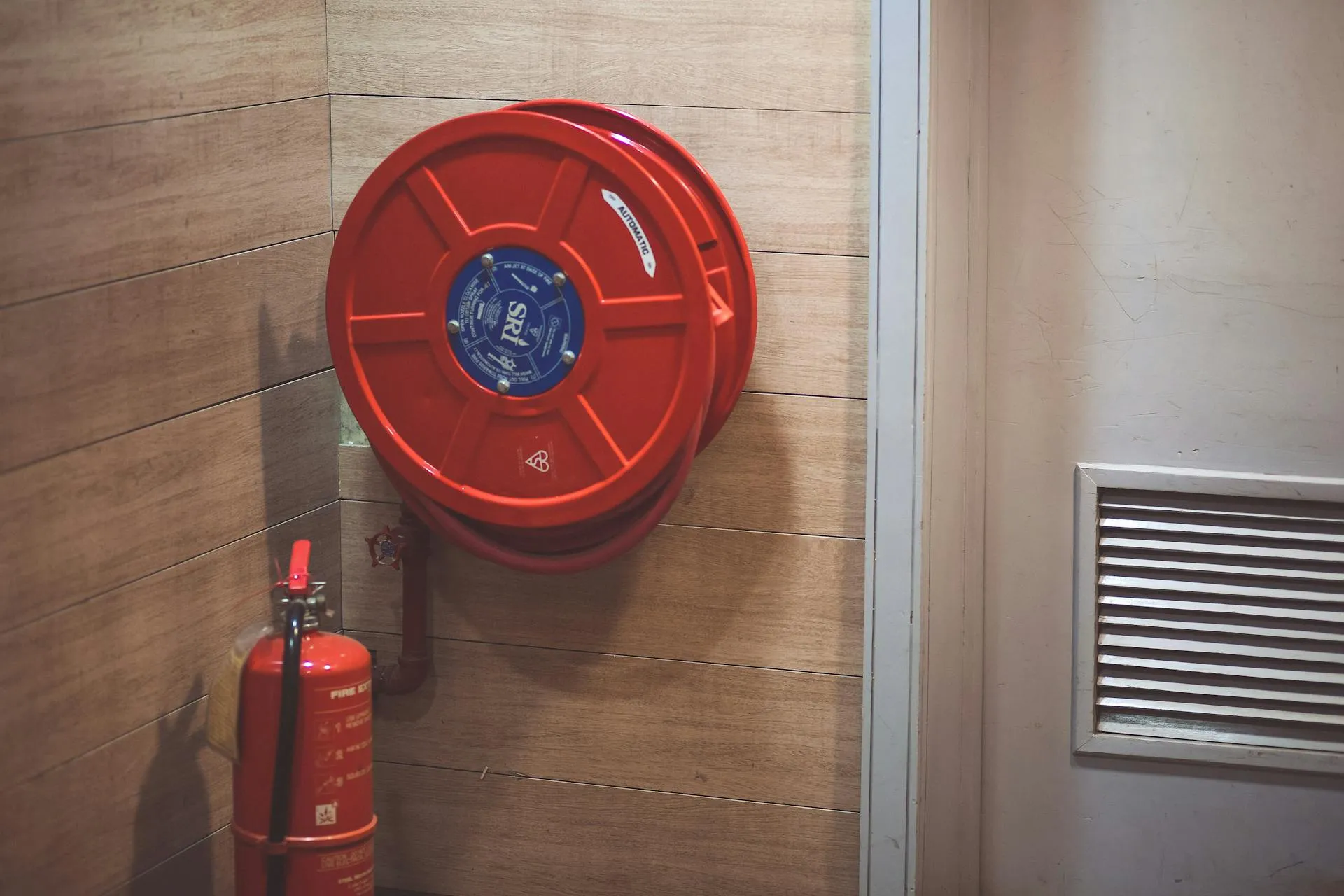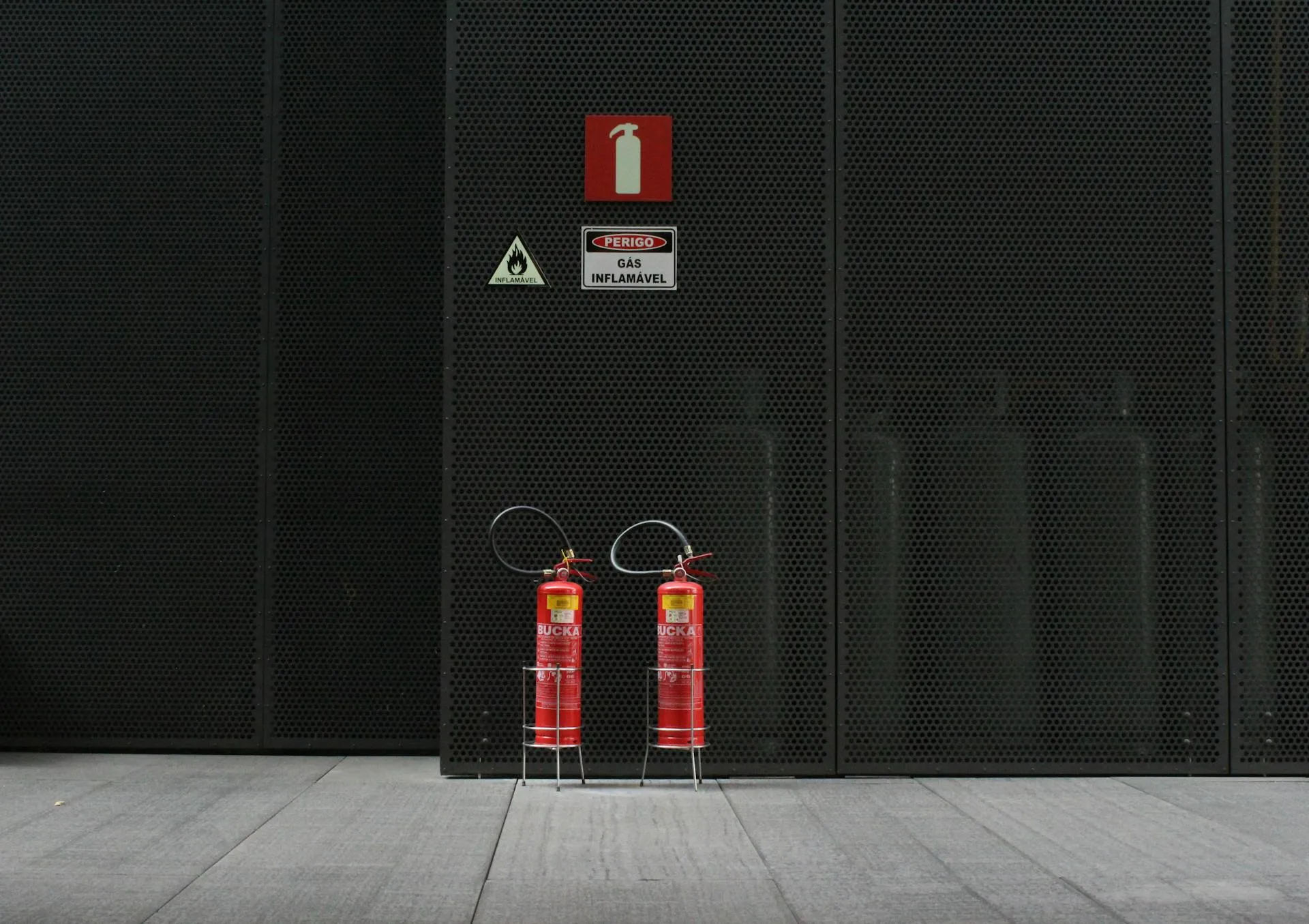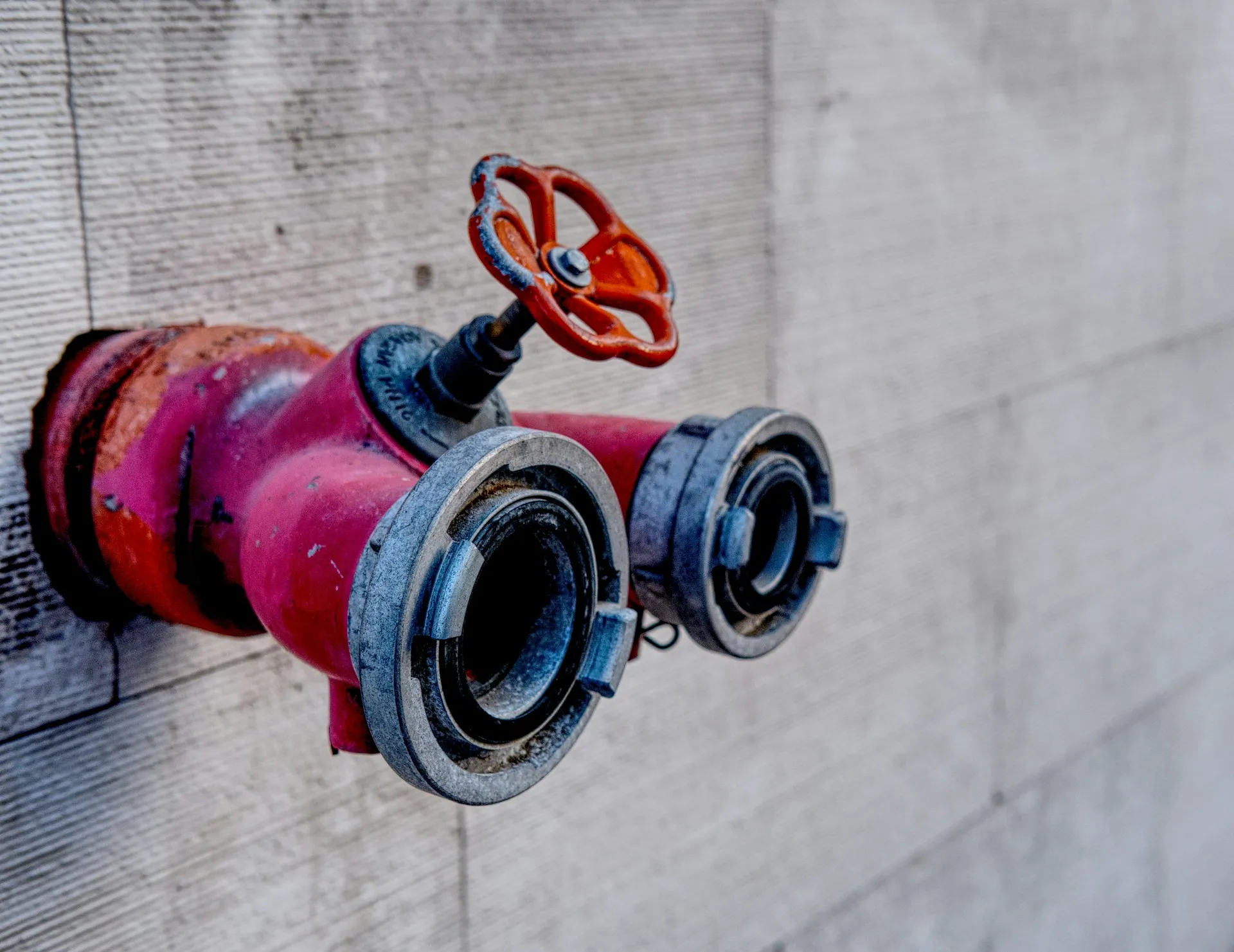
In the United States, all commercial, industrial, and multi-family residential buildings need to uphold local, NFPA (National Fire Protection Association) fire standards. Scheduling these fire inspections is no small feat.
For fire protection companies, that means managing a constant cycle of inspections. This looks like checking fire alarms, sprinklers, extinguishers and suppression systems regularly. Every inspection needs to be scheduled, completed, documented, and reported correctly or it can create compliance issues or even worse, put people's lives at risk. This is why using fire safety inspection software is a must.
In this guide, we’ll look at why fire inspection scheduling often becomes messy, what a good system should include, and how fire protection inspection software can help fire protection teams stay organised and compliant.
Why fire inspection scheduling can get messy
Fire protection companies manage a wide range of systems across many properties, each with its own requirements. Every asset must be inspected, documented, and scheduled correctly to meet standards set by organisations like the National Fire Protection Association. That’s where things get a little complicated.
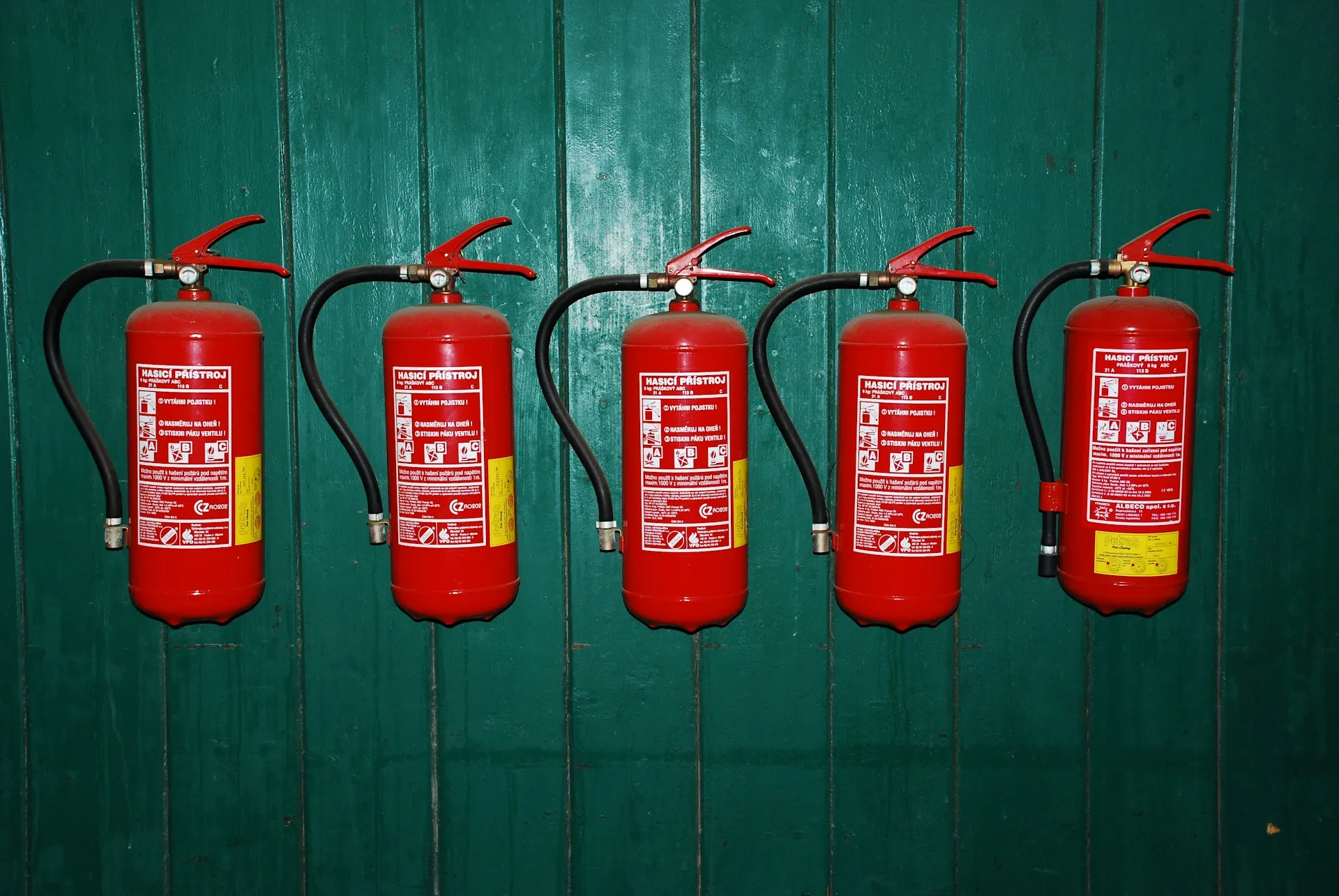
Different systems require inspections at different intervals and people are often unsure about how often fire extinguishers should be inspected. For example, according to NFPA 10 Standard for Portable Fire Extinguishers, extinguishers need monthly visual checks and annual maintenance inspections, alongside other periodic servicing.
Now multiply those requirements across hundreds of sites and thousands of assets with different frequencies ranging from monthly, quarterly and annually. Without dedicated fire inspection scheduling software, many teams rely on spreadsheets, calendars, or manual tracking, which quickly becomes difficult to manage.
On top of that, technicians still need to be scheduled efficiently, inspections must be recorded, and reports generated for compliance. Without proper fire inspection reporting software, this creates a whole heap of extra admin and increases the risk of missed inspections.
What a good system looks like
A good system is one that works for your team and keeps you fully compliant. It should support every step of the process and help you stay on top of your obligations. A strong system should:
- Keep inspections organised and easy to track: You need a clear view of what’s due, what’s complete, and what’s overdue.
- Make compliance simple: Following local regulations and NFPA standards shouldn’t feel like guesswork. A good system helps you meet those requirements without a hiccup.
- Handle recurring inspections automatically: Monthly, quarterly, or annual checks are easier when the system schedules them for you, reducing the risk of missed inspections.
- Provide visibility over workloads: Technicians should never be overbooked, and office teams should know what’s coming up. Clear visibility helps balance resources efficiently.
- Connect every step of the workflow: From scheduling to reporting, information should flow seamlessly so nothing gets lost, duplicated, or delayed.
Many fire protection teams still rely on a mix of spreadsheets, paper logs, or job management tools that aren’t built for the industry. While these options can work in a pinch, they often increase the risk of missed inspections.
Some companies use mobile apps or shared calendars. These can help with reminders or basic scheduling, but they usually aren’t designed around fire inspection workflows specifically. That means you still need to manually tie inspections and reporting together, often leaving gaps that could cause delays.
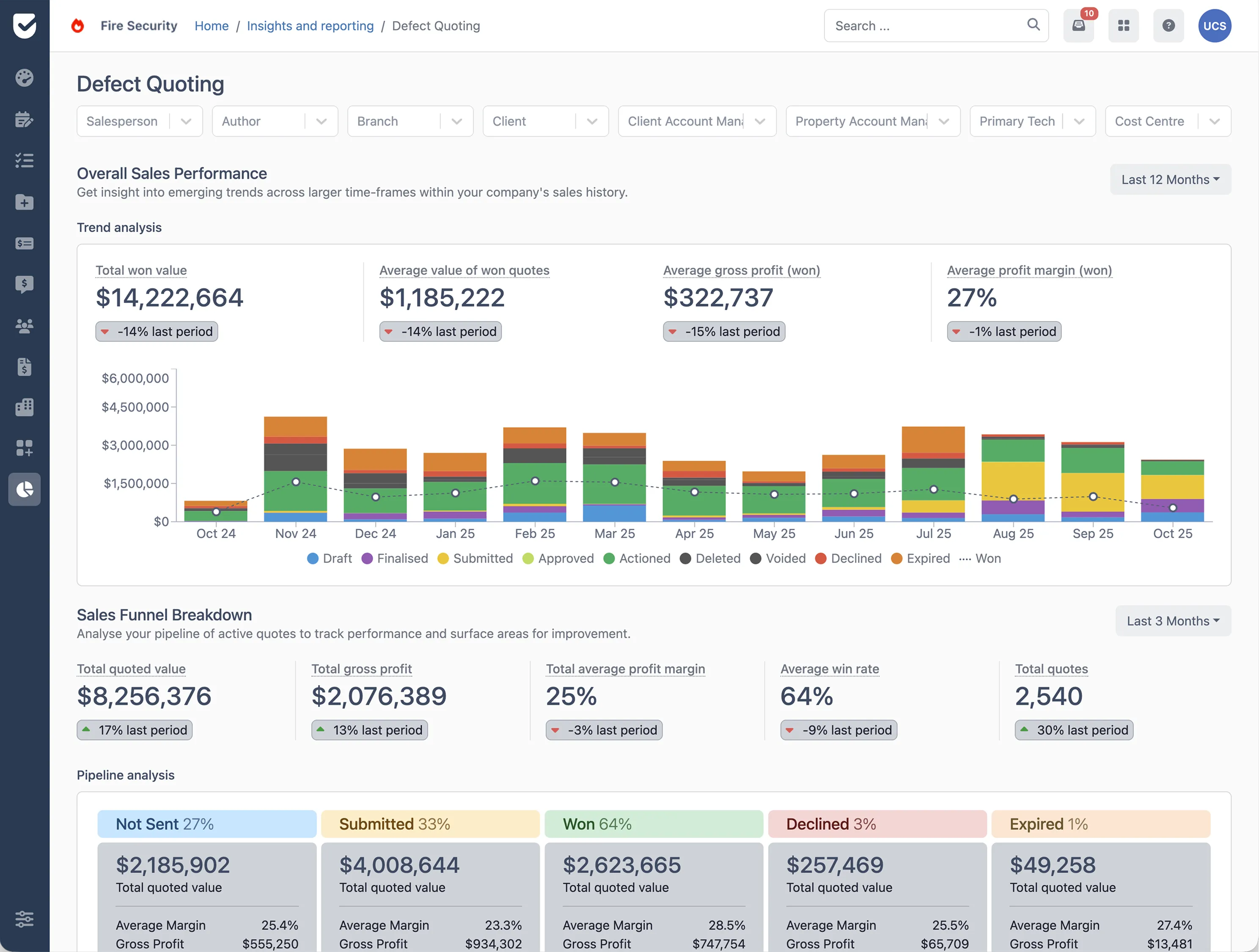
Oftentimes, the most reliable solution is purpose-built fire safety inspection software. Designed specifically for the needs of fire protection teams, it integrates scheduling, reporting, and compliance into a single workflow, reducing errors and freeing your team to focus on inspections.
How fire safety inspection software solves the problem
Fire safety inspection software can really be our friend with fire inspection scheduling. It takes the chaos out of managing multiple sites and makes life easier for both office staff and technicians.
With the right fire safety inspection software you can:
- Automate recurring inspections: Monthly extinguisher checks, quarterly sprinkler tests, and other recurring tasks are scheduled automatically, so nothing gets missed.
- Simplify reporting: Inspections are logged digitally on-site, and reports are instantly ready to share, cutting out all the paperwork.
- Balance technician workloads: Daily schedules are optimised for efficiency, helping teams avoid overbooking.
- Stay compliant: Fire safety inspection software ensures inspections meet NFPA standards and local regulations, keeping you audit-ready.
- Keep everything connected: With fire safety inspection software all inspection data is in one place.
How Uptick can help
When it comes to fire inspection scheduling, Uptick is purpose-built to make scheduling easy and compliant.
Here’s how it works in practice:
- Schedule for maximum efficiency: Uptick visually maps out the most efficient routes for technicians, letting office teams plan the day to reduce downtime and boost billable hours.
- ‘Set and forget’ recurring inspections: Whether it’s annual, bi-annual, or another routine, recurring jobs can be scheduled in advance so nothing is missed.
- Built for technicians: The system schedules jobs based on usual or current locations and gives technicians flexibility to pick up extra tasks when it works for them.
In short, managing fire inspection scheduling doesn’t have to be a headache. With a system like Uptick, your team can stay organised and compliant when juggling fire inspections. Ready to simplify your scheduling? Book a demo today and see Uptick in action.