Fire protection work is built on process. Inspections need to happen on time. Defects need to be identified and followed up. Quotes need to go out quickly. Installations must be scheduled, and compliance records need to be clear. The list goes on.
Together, these moving parts form what’s known as a fire protection workflow, the day-to-day tasks that keep things running. When that fire protection workflow is efficient, teams move smoothly throughout the day. When it isn’t, small delays and gaps start to disrupt things.
In this blog, we’ll explore what a modern fire inspection workflow looks like, where inefficiencies typically appear, and how connected systems can improve the fire inspection process without disrupting how teams already work. Let’s get into it.
What makes up a fire protection workflow?
A fire protection workflow is an ongoing operational cycle. While every business structures things differently, most workflows include several common stages that form the backbone of the fire inspection process.
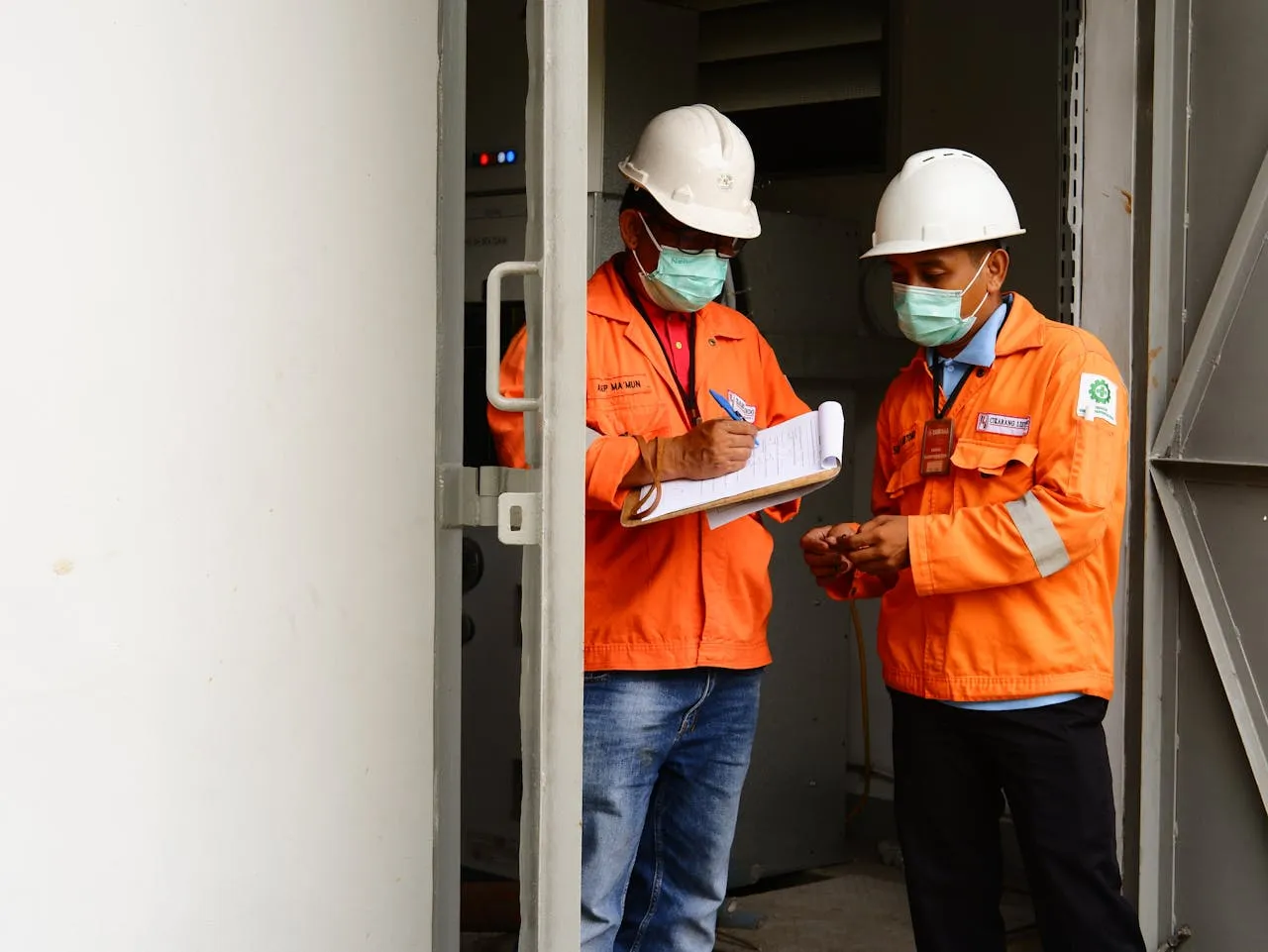
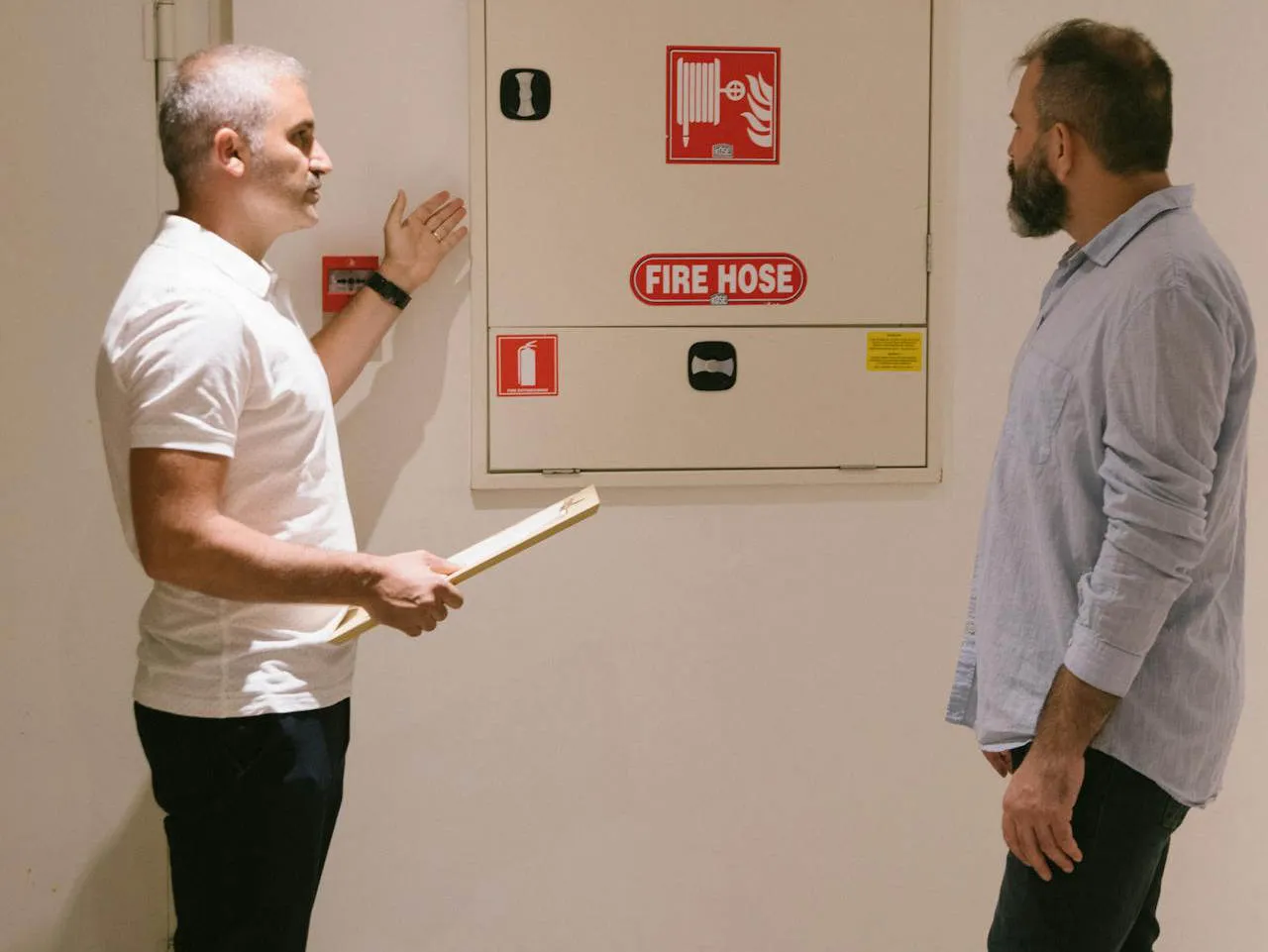
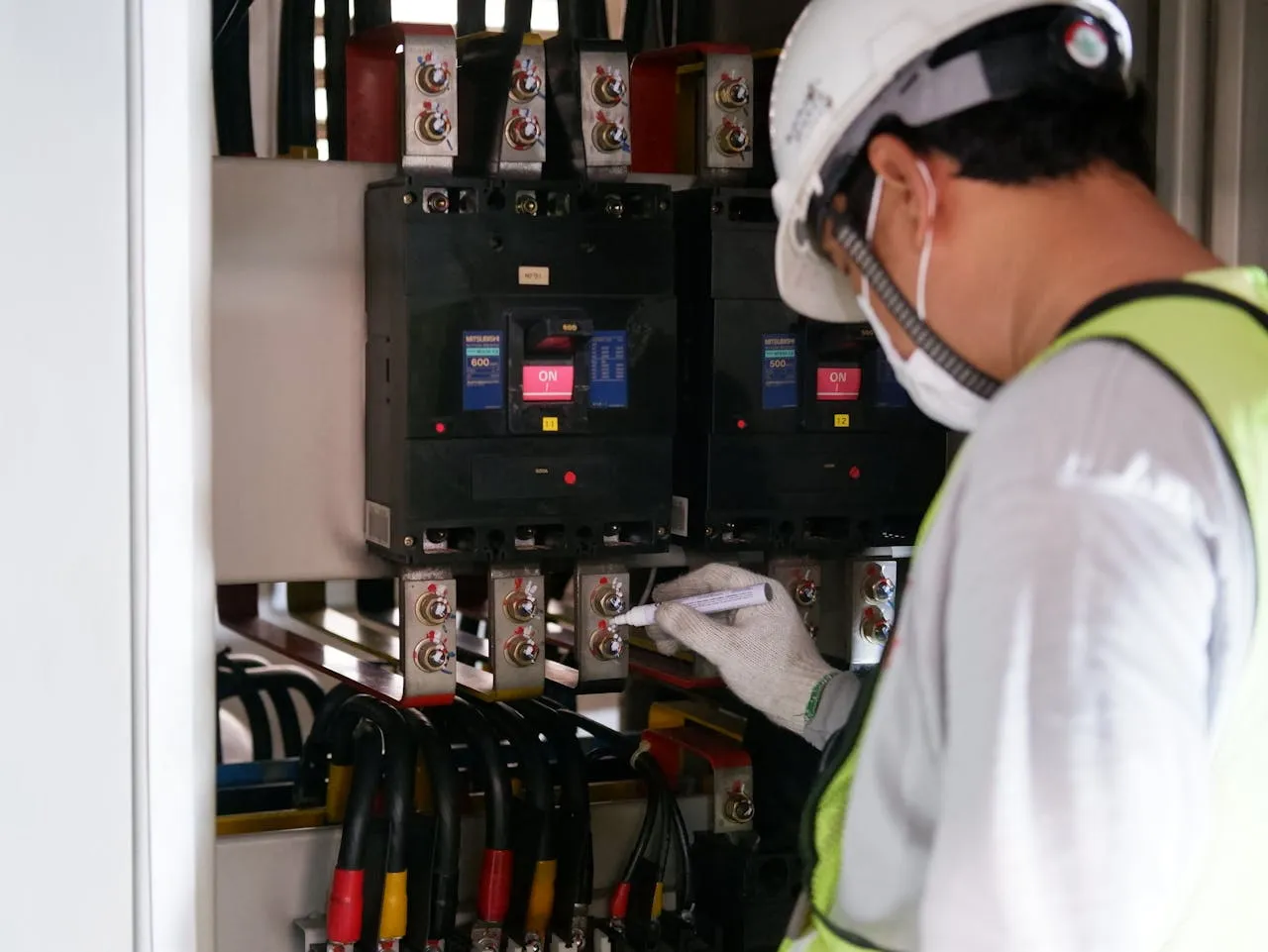
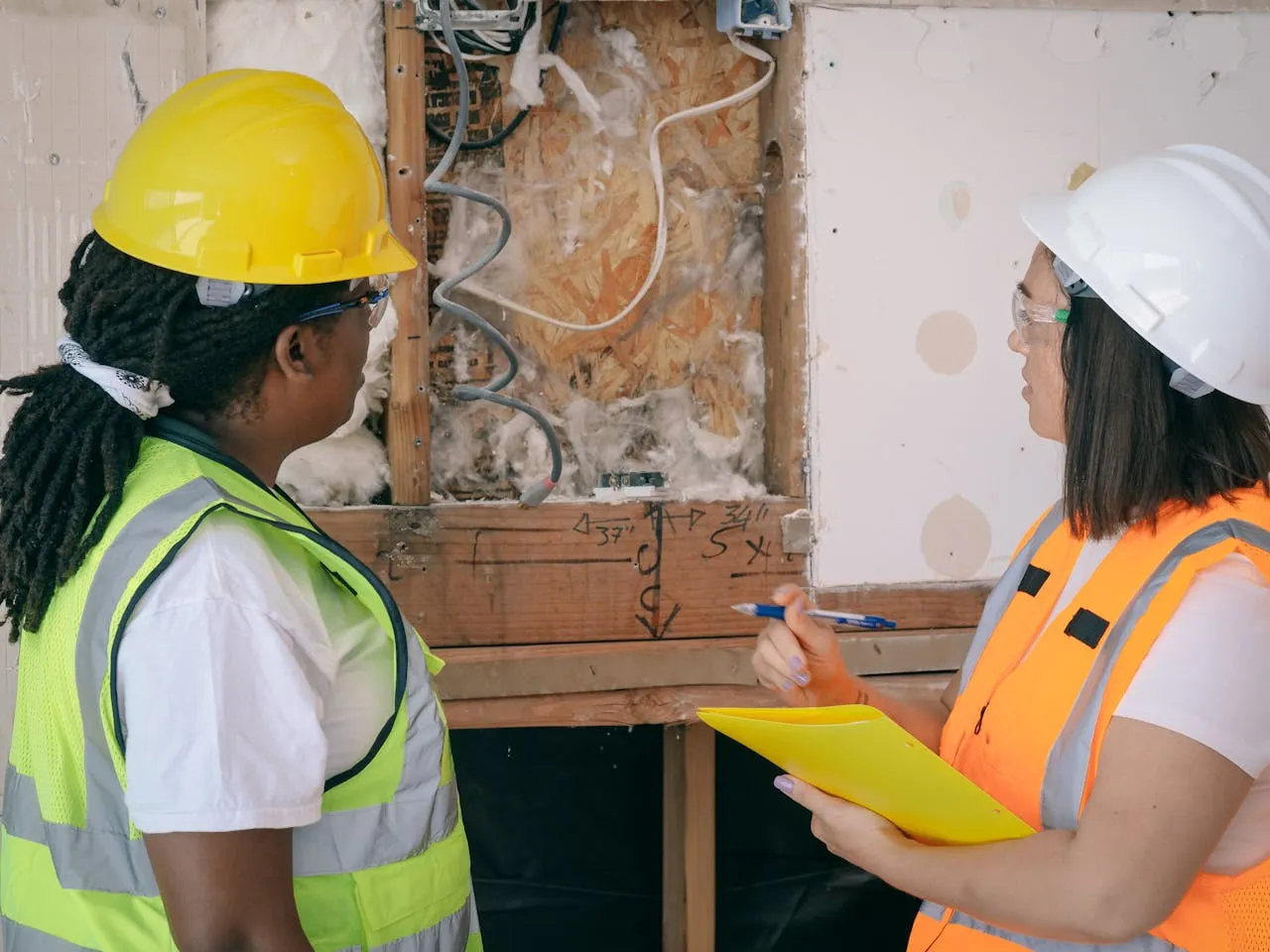
It typically begins with scheduling inspections across sites. This includes assigning technicians, coordinating availability, and ensuring compliance deadlines are met. Once onsite, technicians follow an inspection workflow that covers asset checks, documentation, and identifying any defects or compliance issues.
From there, the process expands beyond inspection alone. Defects may trigger quoting, repairs, or installation work. Office teams prepare proposals, order parts, and coordinate follow-up jobs. As work is completed, compliance documentation and reporting are generated for customers, auditors, and Authorities Having Jurisdiction (AHJs).
Seen together, these steps form a continuous loop rather than isolated tasks. Inspection feeds reporting. Reporting feeds quoting. Quoting feeds scheduling. Each stage depends on the previous one, which is why the overall fire protection workflow must be considered as a connected system.
Why inefficient workflows increase risk
Workflow inefficiencies often show up as small friction points. Over time, however, these inefficiencies can have a real impact on business.
One of the most significant risks is missed or delayed inspections. When scheduling, reporting, and tracking aren’t aligned, inspections can slip through the cracks, exposing companies to compliance breaches tied to NFPA standards and AHJ requirements. This places both the service provider and their clients in a difficult position.
Inefficient workflows can also slow down revenue. If there’s a delay between defect identification and quote delivery, opportunities may stall or disappear altogether. Technicians may be overbooked while others remain underutilised.
Administrative overhead is another hidden cost. Office teams spending hours reconciling paperwork, correcting errors, or chasing job updates reduces time available for planning and growth. These inefficiencies ultimately compress margins and make scaling operations more difficult.
How connected platforms like Uptick support workflow efficiency
Improving fire protection workflow efficiency is really about making day-to-day work easier to move through. A typical fire inspection workflow includes inspections, identifying defects, quoting, scheduling follow-up work, installation, and compliance reporting. In many businesses, those steps are spread across different tools or handled manually. When that happens, information gets entered twice, missed, or delayed.
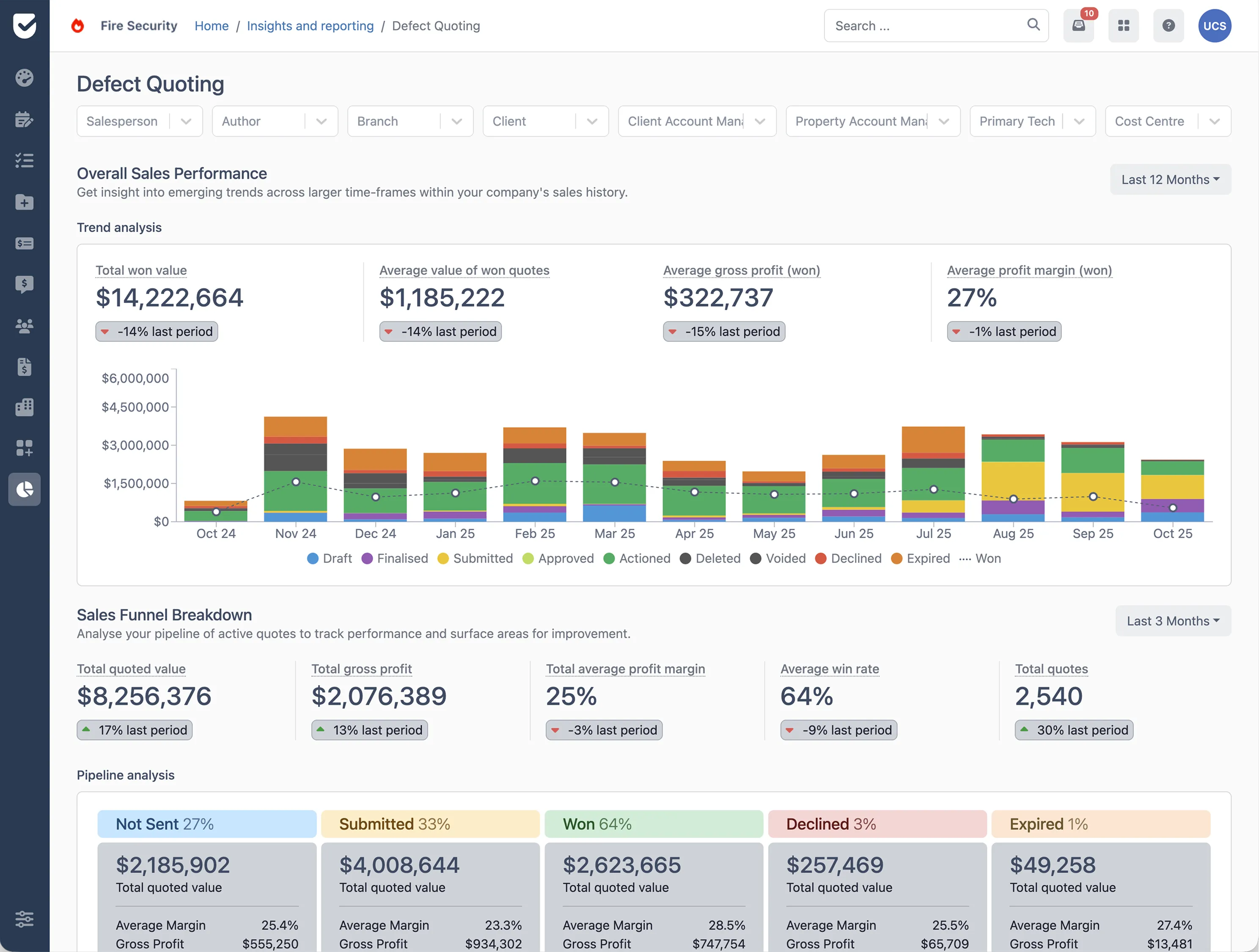
Platforms like Uptick help by bringing the fire protection workflow together in one place. Instead of inspection results sitting in isolation, the information flows into the next step. Defects found on site can feed straight into the fire inspection process, supporting quoting, scheduling, and follow-up work without re-entering details or chasing paperwork. This helps teams move from inspection to resolution faster and with fewer mistakes.
It also makes it easier to see what’s going on. Office teams can view technician workloads, outstanding actions, and upcoming compliance deadlines without piecing information together across systems. That visibility supports better planning, reduces technician overload, and helps ensure inspections and servicing stay on schedule.
Another benefit is consistency. When the fire inspection workflow is handled through structured software, processes are easier to repeat and track. Records are captured as work happens, so reporting becomes simpler and organisations can demonstrate compliance without spending hours compiling documentation.
Ultimately, using a connected platform like Uptick means teams spend less time managing admin and more time getting the work done. It helps inspections stay on track, keeps compliance clearer, and makes day-to-day operations run more smoothly.
Building better fire protection workflows
Fire protection work is built on moving parts. When steps are disconnected or handled manually, small delays can quickly create bigger problems.
Bringing your fire protection workflow together in one place makes a real difference. Platforms like Uptick help fire protection teams connect inspections, defect tracking, quoting, scheduling, and reporting. This means fewer errors, less duplicated work, and more visibility across the entire fire inspection process.
When workflows are connected and consistent, teams can focus on providing a great service and ditch the manual work. Inspections stay on schedule, compliance remains clear, and everything flows better, helping fire protection providers protect both their clients and their back pocket.