Fire sprinkler contractors managing multiple client sites face a unique set of challenges.
A single contractor might be responsible for dozens or even hundreds of buildings, each with different sprinkler system components, inspection schedules, and reporting requirements.
Keeping this process organised quickly becomes difficult. This is where fire sprinkler inspection software becomes essential for contractors managing multi-site service programs. The right platform helps coordinate field technicians, schedule recurring inspections, track assets across multiple locations, and generate structured inspection reports aligned with NFPA 25 requirements.
In this blog, we’ll look at the best fire sprinkler system inspection software used by contractors managing multiple job sites, what NFPA 25 requires for inspections, and how modern platforms help streamline multi-site sprinkler inspection programs.
What is fire sprinkler inspection software?
Fire sprinkler inspection software is designed to help contractors manage the inspection, testing, and ongoing maintenance of fire sprinkler systems.
These platforms allow technicians to:
- Perform inspections using mobile devices
- Document system components and test results
- Record deficiencies and required repairs
- Generate inspection reports for clients and Authorities Having Jurisdiction (AHJs)
Many contractors now rely on fire sprinkler inspection report software instead of paper forms to maintain consistent documentation across multiple job sites. For companies managing multiple buildings or clients, this kind of software is a must.
How contractors manage multi-site sprinkler inspections
Contractors responsible for sprinkler systems across multiple locations typically follow a structured inspection workflow.
1. Schedule recurring inspections
Sprinkler inspections are scheduled according to NFPA 25 testing intervals, including quarterly and annual inspections.
2. Assign technicians to specific sites
Inspection software allows contractors to allocate technicians to different job sites based on workload and location.
3. Perform inspections in the field
Technicians complete inspections using mobile devices, recording results for sprinkler system components and equipment.
4. Document deficiencies
Any issues identified during inspections are recorded and linked to follow-up repairs or maintenance work.
5. Generate inspection reports
Inspection results are compiled into structured fire sprinkler inspection reports for clients and AHJs.
6. Maintain inspection history
All inspection records are stored centrally so contractors can track system performance and inspection history across multiple locations.
The challenge of managing sprinkler inspections across multiple sites
Managing sprinkler inspections across multiple sites can get complicated quickly. Different buildings, schedules, and compliance requirements all need to be tracked at the same time, and it doesn’t take much for things to slip through the cracks.
A contractor managing multiple locations must coordinate:
- Quarterly sprinkler inspections
- Annual system testing
- Multiple technicians working across different sites
- Inspection documentation for different clients
- Deficiency tracking between inspection cycles
Under NFPA 25: Standard for the Inspection, Testing, and Maintenance of Water-Based Fire Protection Systems, contractors must also maintain detailed inspection records.
When inspections are spread across many sites, maintaining consistent records becomes difficult without structured systems.
This is why many fire protection companies now rely on fire sprinkler test and inspection software to coordinate inspection programs across multiple locations.
Fire sprinkler inspection software comparison
Why Uptick stands out for multi-site contractors
Uptick is a cloud-based fire sprinkler inspection software designed to help contractors manage inspections, maintenance, and projects across multiple job sites. It is built specifically for the fire protection industry and designed to support the realities of field service work.
- Structured organisation using branches, business units, zones, and property-level management to keep work separated across sites
- Smart scheduling tools including AI scheduling, drag-and-drop planning, route optimisation, and geographic job allocation
- Projects module for multi-stage work, progress tracking, claims, and invoicing
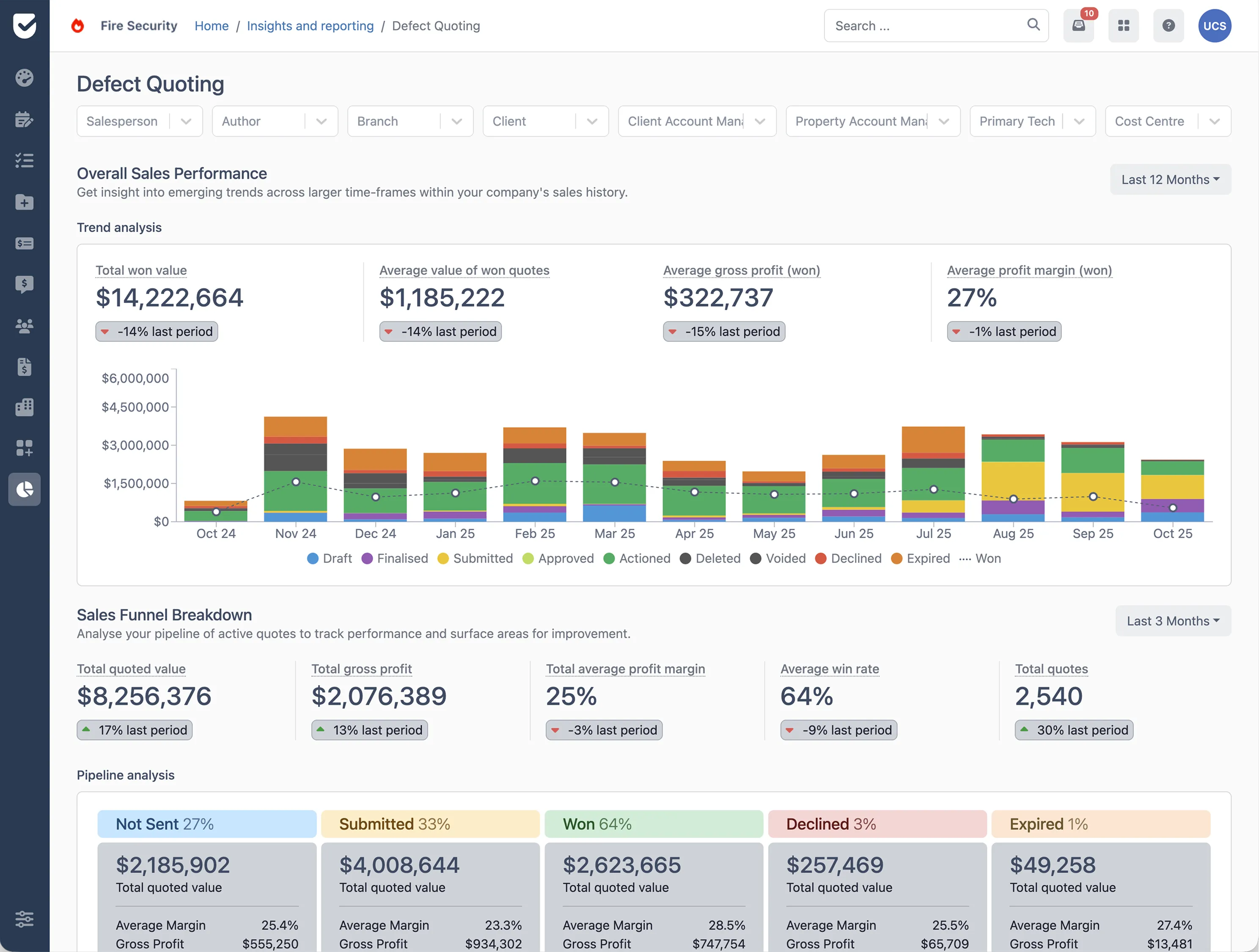
- Live dashboards and reporting for real-time visibility across operations, finance, and assets
This helps teams coordinate field work across multiple locations with clearer structure, scheduling, and reporting. Interested in seeing how Uptick can help your team manage multi-site inspections more efficiently? Book a demo today.