TL;DR:
The faster you turn completed inspections into invoices, the easier it is to keep cash flow moving. This article explores practical ways fire protection companies can speed up invoicing, including removing paper forms, capturing job details in the field, automating recurring work, connecting inspections directly to billing and more.
The work gets done, the inspection is completed, and the technician moves on to the next job. The problem is that the invoice often doesn’t go out for days or even weeks.
For many fire protection companies, that gap between completing the work and sending the invoice is where cash flow starts to slow down. Often this is not because the pricing is wrong or customers aren’t paying, but because the process in the middle is clunky and relies on manual processing.
This blog looks at where those delays often happen and breaks down practical ways fire protection teams can tighten up their invoicing process and get paid faster.
What slows down fire inspection invoicing
In most fire protection companies, invoicing doesn’t slow down because of one big issue. It slows down because of a series of small ones.
In most fire protection companies, the bottleneck is not the customer but the internal workflow:
- Paper inspection forms need to be returned to the office
- Data is re-entered into another system
- Missing details require follow-up with technicians
- Deficiencies are reviewed separately for billing
- Invoices are manually created and checked
Each step adds time between completing work and sending off that invoice.
How does slow invoicing affect business
Slow invoicing mainly shows up in cash flow and admin workload. When completed inspections aren’t billed quickly, money that’s already been earned stays tied up, which can make day-to-day operations harder to manage.
It also creates more work back in the office. The longer invoicing is delayed, the more time is spent chasing job details, checking paperwork, and filling in missing information before anything can be sent out.
Over time, delays can also lead to missed or under-billed work, especially for deficiencies or add-ons that aren’t clearly captured and invoiced right away.
10 ways to speed up fire inspection invoicing and get paid faster
Improving the speed of receiving payment after invoicing usually involves removing small delays across the entire workflow, from the moment a job is completed in the field to the moment the invoice is sent out.
In most fire protection companies, invoicing slows down because information has to be collected, checked, re-entered, and approved before anything can be billed. The faster you remove those steps, the faster you can get your invoices paid.
1. Invoice as soon as work is completed
Don’t let completed jobs sit in a queue waiting for someone in the office to pick them up later. The longer there’s a gap between finishing the work and starting the billing process, the more likely details get missed or delayed. When a job is marked complete, it should immediately move into an invoice-ready state so it can be sent while everything is still fresh.
2. Remove paper from inspections
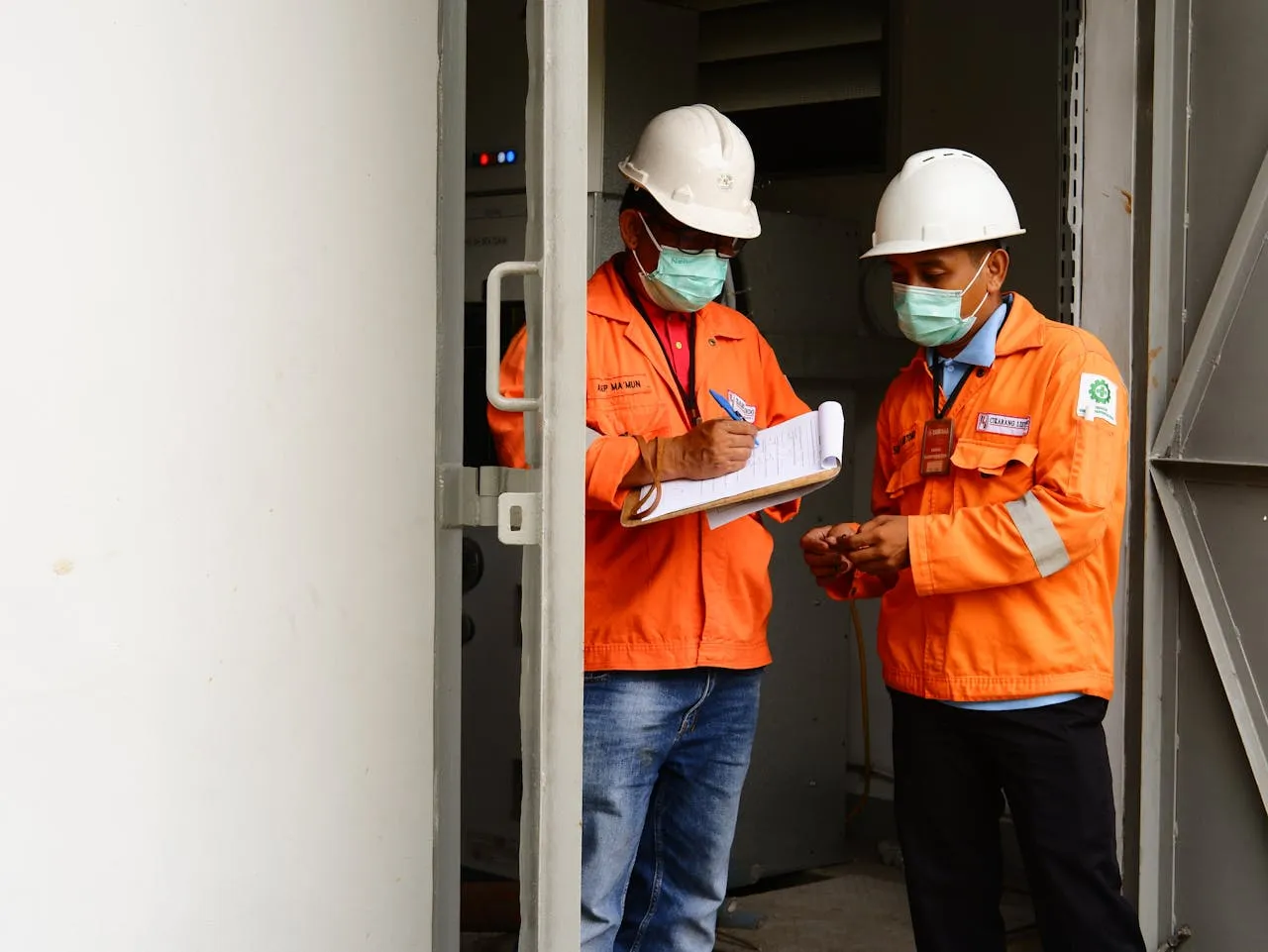
Paper forms are one of the biggest reasons invoicing slows down. They have to be collected, checked, and re-entered back at the office, which creates unnecessary delays and increases the risk of missing information. Moving to digital capture removes that back-and-forth and helps ensure inspection data is ready for billing as soon as the job is finished.
3. Capture job details in the field
When technicians record everything on-site, photos, notes, asset details, and findings, the office doesn’t need to rebuild the job later. This reduces follow-up questions, speeds up review time, and allows invoices to be created from accurate, real-time information.
4. Standardize inspection workflows
Inconsistent inspections slow down billing because every job has to be interpreted differently. When technicians follow a consistent structure for completing inspections, office teams can review and process work much faster without needing clarification or rework.
5. Bill deficiencies immediately
Deficiencies are often where revenue gets delayed or missed. If they aren’t captured clearly at the time of inspection, they can easily be overlooked or separated from the original job. Logging them immediately keeps them tied to the inspection and ensures they can be billed or quoted without losing time.
6. Connect field work to billing
When inspection data and invoicing live in separate systems, someone has to manually bridge the gap. That usually means re-entering job details, checking notes, or chasing missing information. Connecting field work directly to billing removes that step and allows invoices to be generated directly from completed jobs.
7. Automate recurring inspections
Recurring fire protection contracts are predictable, but they’re often still billed manually each cycle. Automation helps keep recurring inspections scheduled and billed consistently without relying on someone from the team manually following up.
In Uptick, recurring work can be set up through billing contracts so inspections are scheduled and billed as part of a repeatable workflow. This helps keep everything consistent across cycles, without relying on manual follow-ups or re-entering the same information every time.
8. Improve job visibility for office teams
Office teams shouldn’t have to wait on paperwork to know what’s been completed. When there’s real-time visibility into job status, they can prepare and send invoices as soon as work is finished instead of waiting for information to come back from the field.
9. Reduce approval bottlenecks
In many businesses, invoices are ready but still sit waiting for internal approval before being sent. These small delays add up quickly. Streamlining approvals helps keep billing moving and prevents completed work from sitting there for days or even weeks.
10. Use systems built for fire protection workflows
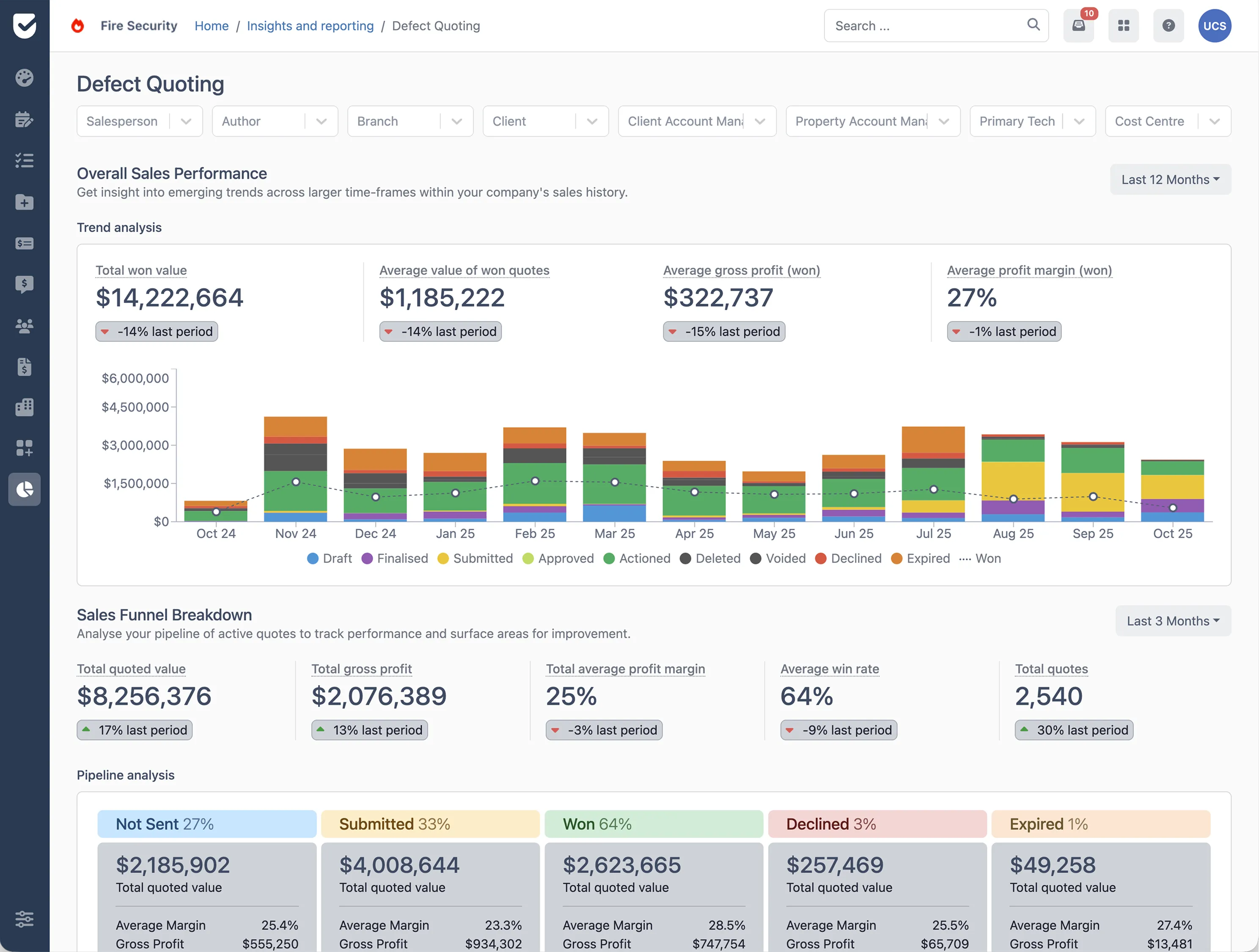
Purpose-built platforms like Uptick are designed to connect inspections, reporting, and billing in one workflow. That means fire inspection invoicing can move directly from the field to the office, helping reduce delays and get invoices out faster.
Book a demo with Uptick and see how you can connect inspections, job data, and billing in one system to simplify fire protection invoicing.