Most fire protection companies don’t start with software. They start with spreadsheets, paper inspection forms, and a lot of phone calls.
That usually works fine with a small team. But as soon as you start adding technicians, more job sites, and recurring inspections, things start to slip. Missed inspections become more common, scheduling turns into a daily firefight, and invoicing always seems to lag behind completed work.
At that point, many businesses start looking for fire protection software to help bring inspections, scheduling, and reporting into one system. This blog breaks down what growing fire protection companies actually need from their software, and what’s commonly used in the industry.
What fire protection software needs to handle
Not all field service tools are built for fire protection work. At a minimum, good fire protection service management software needs to support recurring inspections, mobile field reporting, and clear compliance workflows that match how technicians actually operate in the field.
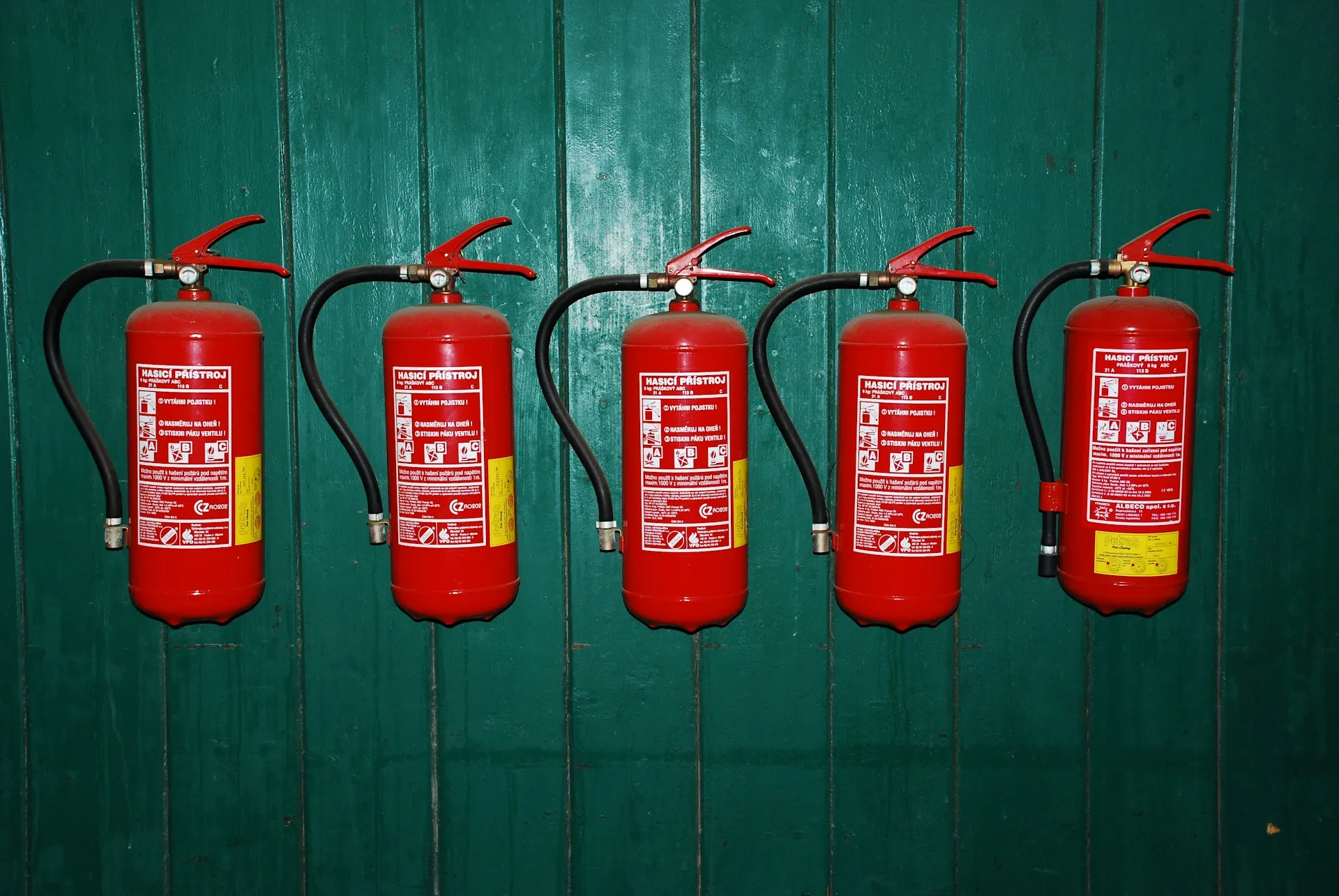
Beyond scheduling, it also needs to handle how inspection data is captured and used day to day. That includes recording findings on-site, tracking assets like extinguishers, alarms, and sprinklers, and keeping inspection history organizedso it’s easy to access later for audits or reporting.
Just as important is how information moves back to the office. Completed inspections should flow into reports without manual re-entry, with built-in support for deficiencies, follow-up work, and invoicing so jobs don’t get stuck in admin once the fieldwork is done.
Purpose-built fire protection software vs general field service tools
Purpose-built fire protection software, such as Uptick, is designed specifically around inspection workflows, compliance requirements, and recurring maintenance. These systems usually come with structured inspection templates, asset tracking, and reporting workflows that already align closely with how fire protection businesses operate day to day.
General fire protection field service software, on the other hand, tends to focus more broadly on job management across multiple industries. While these platforms can be flexible, they often require more setup and customization to properly support fire inspection workflows and compliance reporting.
The tradeoff is fairly simple. Purpose-built platforms provide more fire-specific structure out of the box, while general systems offer broader flexibility but may require more configuration as operations grow.
Common software used by fire protection companies
Uptick
Uptick is a purpose-built fire protection service software platform designed to support the full workflow of a fire protection business, from the initial quote through to the final invoice.
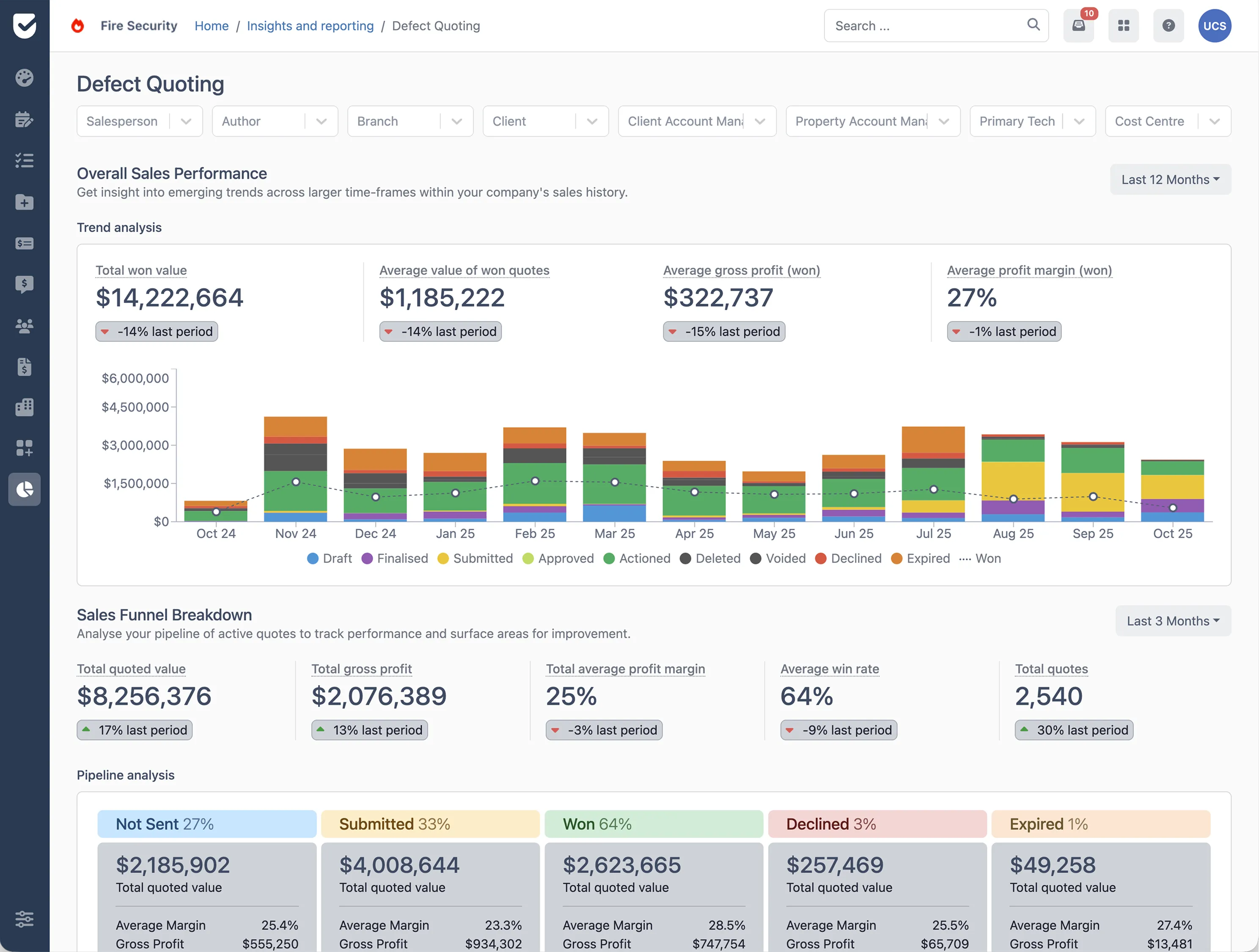
Built specifically for the fire protection industry, it combines scheduling, mobile inspections, asset tracking, compliance reporting, and field workflows into one connected system. The platform is designed to simplify day-to-day work for both technicians and office teams, helping reduce manual admin and improve visibility across jobs.
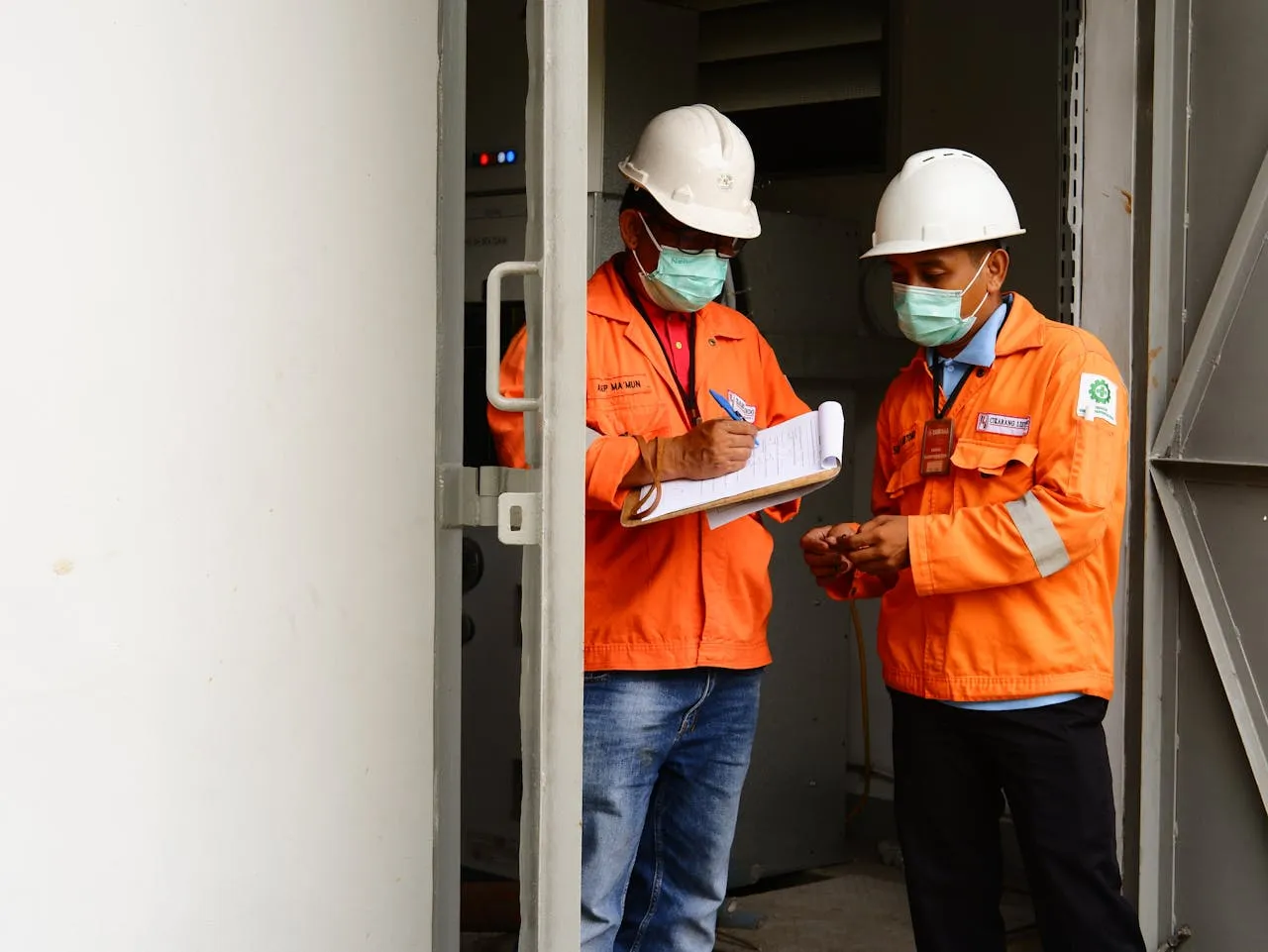
Technicians can complete inspections on-site, capture photos and defects, update asset records, and generate professional reports directly from the field. Office teams can then manage scheduling, recurring inspections, quoting, invoicing, and reporting without relying on separate systems or manual data entry.
Key areas include:
- Scheduling and recurring maintenance
- Mobile inspections and reporting
- Asset tracking and service history
- Defect capture and quoting
- Billing and invoicing
- Dashboards, reporting, and operational insights
Inspect Point
Inspect Point is primarily used by fire protection companies focused on inspection documentation. Its known strength is form structure, though it's typically a fit for inspection-only workflows rather than full operations.
BuildingReports
BuildingReports focuses heavily on asset tracking and barcode-based inspections. It is commonly used in environments where equipment-level tracking and reporting accuracy are key priorities.
SafetyCulture
SafetyCulture is a general inspection and auditing platform used across many industries, including fire safety. It is flexible and easy to set up, especially for teams building custom inspection checklists. However, it is not fire-specific, so fire protection workflows often need to be configured rather than provided out of the box.
BuildOps
BuildOps is a broader field service management platform used by commercial contractors, including some fire protection companies. It is strong in scheduling, dispatch, and job management across large service teams, but fire inspection workflows typically need to be built using its more general tools.
What to look for when comparing platforms
When evaluating fire protection software, most growing companies focus on a few key capabilities.
The first is whether the system can handle recurring inspections without manual scheduling. The second is mobile usability, because technicians need to complete inspections in the field without relying on office follow-up.
Another key factor is how well the system handles compliance reporting. This includes structured inspection forms, asset tracking, and fire safety compliance software features that support audit-ready documentation.
Finally, integration matters. If inspection data doesn’t connect to invoicing or accounting systems, work often gets stuck between operations and finance.
Choosing the right system
The best software for a fire protection company depends less on feature lists and more on how well it matches the reality of your operations.
If your team is still small and flexible, general tools may be enough. But as inspections scale, compliance requirements increase, and scheduling becomes more complex, purpose-built systems tend to become necessary.
Before choosing a platform, it’s worth asking:
- Can it handle recurring inspections without manual scheduling?
- Does it support mobile field reporting without re-entry?
- Can it track assets across all job sites?
- Does it reduce admin work, or add to it?
If you’re evaluating whether your current systems can support the next stage of growth, Uptick is designed specifically for fire protection businesses managing inspections, compliance, scheduling, and reporting at scale. Book a demo to see how it works in practice.