Fire protection companies manage a lot more than just fire extinguishers, but extinguisher maintenance is one area where mistakes can happen easily.
Keeping extinguisher maintenance on schedule is a constant challenge. Between multiple sites, recurring inspections, paperwork, and compliance requirements, it’s easy for tasks to slip through the cracks.
In this blog, we’ll walk through the best solutions for making sure that extinguisher inspections are never missed.
Why fire extinguisher maintenance is easy to miss
Fire extinguisher inspections can be recurring, repetitive, and spread across many locations. That’s a perfect setup for things to go wrong.
Here are a few common reasons maintenance gets missed:
1. Scheduling becomes chaotic
When inspections are spread across multiple sites, keeping track of who needs to be inspected and when is tough. It’s easy for dates to get lost or overlooked.
2. Paper forms get messy
Paper checklists are easy to lose, and even when they’re not lost, they can be filled in inconsistently or incorrectly.
3. Staff changes disrupt workflows
When a technician leaves or is reassigned, the knowledge of which extinguisher needs attention can get lost.
4. Follow-ups fall through the cracks
If a defect is found during an inspection, it needs a clear process to be actioned and tracked. Otherwise, it can easily be forgotten.
5. Audits expose gaps
When an inspector asks for a complete history, manual systems often fail to provide a clear record quickly.
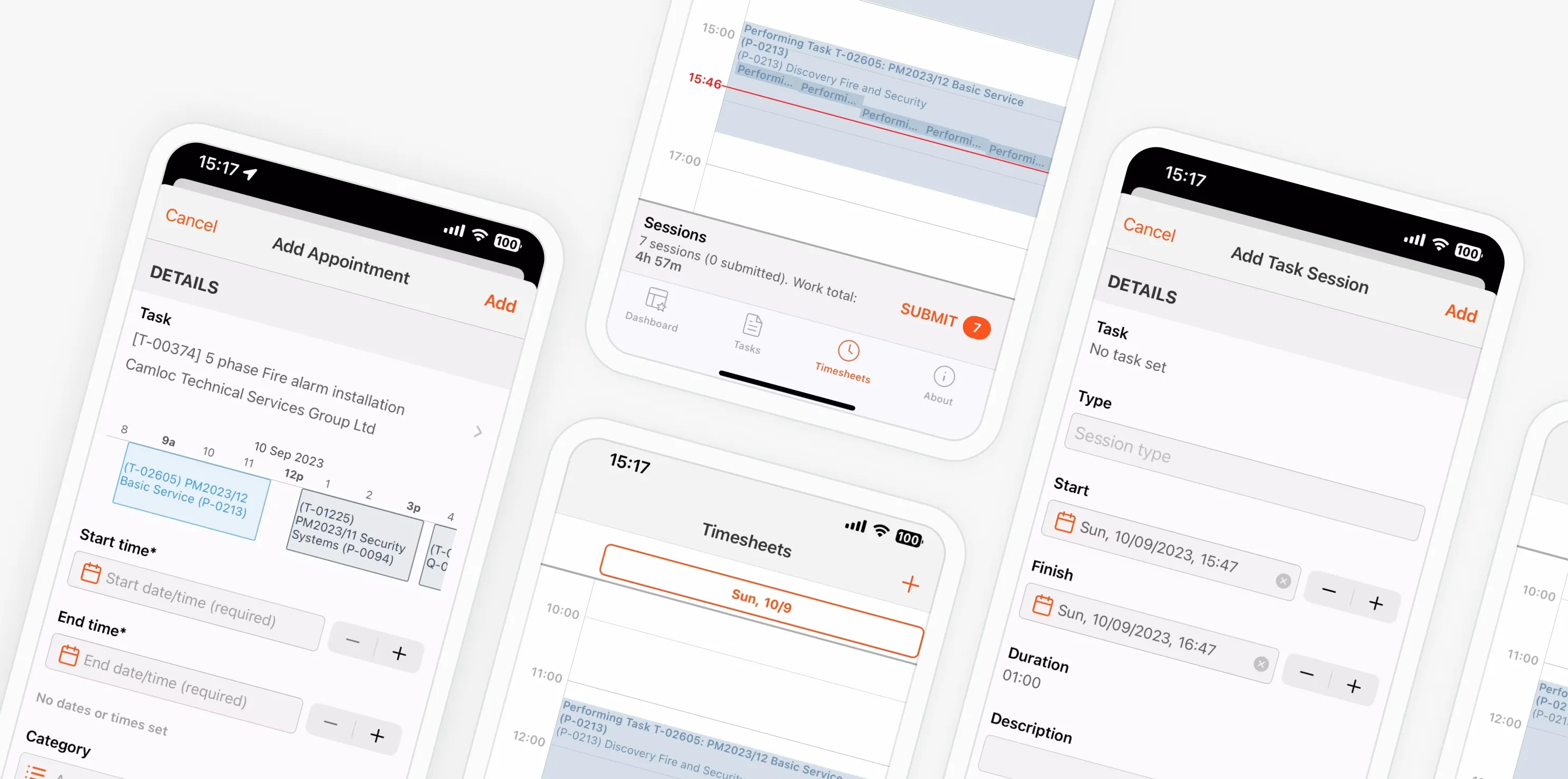
How does Uptick ensure fire extinguisher maintenance is never missed?
1. Standardise inspections with digital checklists
The simplest way to reduce missed fire extinguisher maintenance is to standardise inspections.
A digital checklist ensures every technician follows the same process. It also means data is recorded correctly and consistently.
The best digital inspection checklists:
- Work offline (so technicians can complete inspections even without internet)
- Capture photos and notes
- Allow customised fields for different clients
- Tie directly to each extinguisher asset
When inspections are standardised, it becomes much easier to manage recurring maintenance and avoid missed checks.
2. Use a scheduling system that automatically repeats inspections
Most fire extinguisher inspections happen on a regular schedule, often quarterly, bi-annually, or annually.
A scheduling system that automatically creates recurring jobs is a huge time-saver. It also prevents dates being missed due to human error.
Good scheduling systems should:
- Automatically create recurring jobs
- Assign jobs to technicians based on availability
- Send reminders to office staff and technicians
- Flag overdue inspections clearly
When the schedule is automatic, you’re no longer relying on memory or spreadsheets to keep track of inspections.
3. Track every extinguisher as an individual asset
A major reason maintenance gets missed is because extinguishers are treated as a “set” rather than individual assets.
If your system treats each extinguisher as a separate item, you can track:
- Inspection history
- Defects and repairs
- Location changes
- Tag numbers
- Expiry dates
This level of detail makes it much easier to prove compliance and manage maintenance over time.
4. Make defect management simple and connected
When a defect is found during an inspection, the follow-up process needs to be smooth.
A good defect workflow should:
- Allow technicians to log issues immediately
- Link defects to the asset and site
- Create follow-up tasks automatically
- Allow quotes to be created quickly
- Track repair status until completion
If defects aren’t tracked properly, maintenance gets missed and compliance becomes unreliable.
5. Use reporting that is audit-ready
Fire extinguisher inspections often end with a client request or audit requirement.
If you can’t produce inspection history quickly, it becomes a major admin task.
The best reporting tools should:
- Generate professional reports instantly
- Include photos, notes, and inspection results
- Show inspection history and defect tracking
- Be easy to export and share
- When reporting is fast and reliable, audits become much less stressful.
6. Build a system that works for both field and office teams
Fire extinguisher maintenance doesn’t just happen on site. A lot of the work happens behind the scenes.
A system that works for both technicians and office staff should include:
- Easy-to-use mobile inspections
- Scheduling and job management
- Quoting and invoicing
- Customer records and history
- Inventory tracking
If the system only works for one side of the business, the other side will revert to spreadsheets, and the gaps will return.
What to look for in fire extinguisher inspection software
For our friends in the US, your system should support NFPA standards and local AHJ requirements. Here are the features that can help you reach those requirements:
Digital inspection forms
Forms should be flexible and easy to update. They should support different extinguisher types and inspection requirements.
Asset tracking
Each extinguisher should be recorded individually, with full history and location details.
Defect and repair workflows
Defects should automatically create follow-up actions and be tracked until completion.
Scheduling and recurring jobs
The system should automate recurring inspections and prevent overdue jobs.
Reporting
Reports should be easy to generate and audit-ready.
Mobile usability
Technicians should be able to complete inspections quickly and accurately on their phones or tablets.
How software like Uptick helps keep extinguisher maintenance on track
Platforms built specifically for fire protection teams, like Uptick, are designed to support the full fire extinguisher inspection workflow. That means:
- Scheduling recurring inspections automatically
- Tracking each extinguisher as an individual asset
- Logging defects and creating follow-up tasks instantly
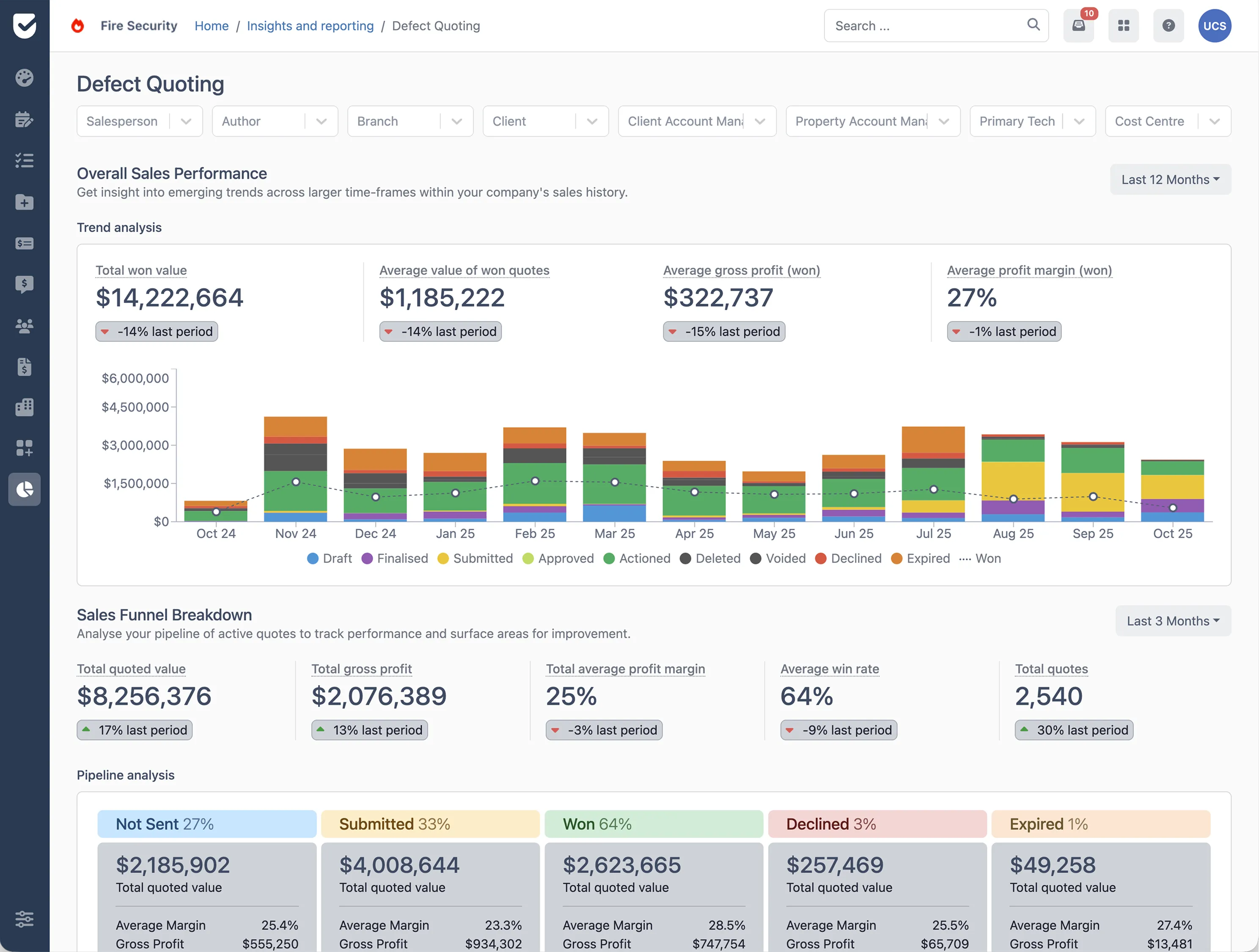
- Generating reports that are ready for audits
This type of fire extinguisher software helps teams stay on top of compliance without relying on spreadsheets. The result is fewer missed inspections, fewer gaps in records, and fewer nasty surprises during audits. Book a demo of the Uptick platform today and see for yourself!