How to scale a fire protection business from 5 to 50 technicians
May 29, 2026
1
min read

Scaling a fire protection business from 5 to 50 technicians breaks spreadsheets and phone-based scheduling fast. See where growth exposes the cracks and how Uptick brings scheduling, dispatch, and reporting into one system built for fire protection.
Fire protection businesses are easy to manage when you’ve got a small crew. Five technicians, a handful of sites, and most of the work still flows through you. You know what’s happening, who’s where, and what needs to get done next.
But somewhere between 8 and 12 technicians, things start to shift.
Scheduling stops being simple. Jobs get missed or double-booked. Technicians are waiting on instructions. Office admin starts to take longer than the actual field work. And suddenly, what used to feel manageable starts to feel chaotic.
That’s usually the point where growth stops feeling smooth and starts exposing the limits of your systems.
Scaling a fire protection business from 5 to 50 technicians isn’t just about hiring more people. It’s about changing how the business runs day to day.
What changes as a fire protection business grows
At different stages of growth, the business naturally shifts.
Around 5 technicians
Most owners are still deeply involved in operations:
- Scheduling is handled manually
- Jobs are tracked through calls, texts, or spreadsheets
- The owner is still the main dispatcher and problem solver
At this stage, it works because volume is still low.
Around 10 technicians
This is where strain starts to show:
- Scheduling becomes harder to coordinate manually
- Recurring inspections and service calls start overlapping
- Communication gaps increase between office and field
This is usually when a fire protection service management software system starts becoming necessary, even if the business is still on the smaller size.
20+ technicians
At this stage, structure and software stop being optional. :
- Dedicated office/admin roles are usually required
- Job tracking needs to be centralized
- Reporting, compliance, and scheduling can’t rely on memory or spreadsheets
Why scaling breaks spreadsheets and phone-based scheduling
Most fire protection companies don’t fail to scale because of demand, they often fail because operations don’t keep up and cracks start to show.
Common breakdown points include:
- Recurring inspections getting missed or duplicated
- Technicians double-booked across multiple sites
- Lack of visibility over job status in real time
- No reliable record of completed work or deficiencies
- Too much time spent coordinating instead of dispatching
At a small scale, phone calls and spreadsheets are enough. At a larger scale, they become a bottleneck.
Hiring challenges in the US fire protection industry
Growing a fire protection business depends just as much on having the right people as it does on winning new work. In the US market, hiring skilled technicians isn’t always straightforward, and most companies feel those challenges as they grow.
Across the US fire protection industry, businesses often face:
- NICET certification requirements for technicians
- State-by-state licensing differences
- A shortage of experienced fire protection techs
- Reliance on apprenticeship pipelines to build skill over time
As teams grow, retention becomes just as important as hiring:
- Clear pay progression helps keep technicians
- Consistent training builds long-term capability
- Predictable scheduling improves job satisfaction
- Strong field-to-office communication reduces frustration
By the time a business reaches 15–20 technicians, hiring usually shifts from reactive to structured workforce planning.
What scaling actually requires from your systems
To scale from 5 to 50 technicians, the system underneath the business has to evolve.
A fire protection business software system needs to support:
- Recurring inspection scheduling
- Real-time technician visibility
- Job allocation and dispatch
- Mobile reporting from the field
- Asset and service history tracking
- Deficiency capture and follow-up workflows
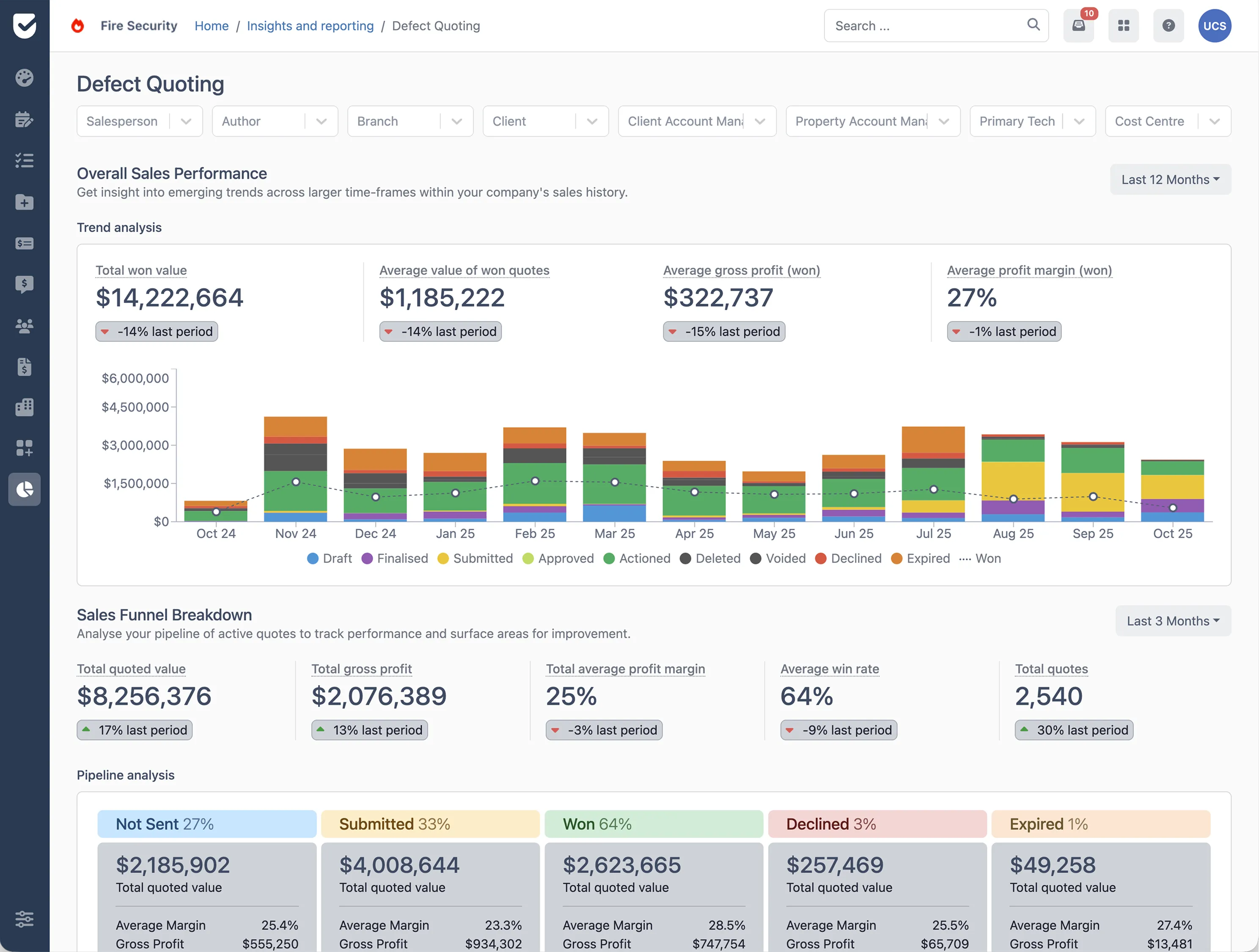
Uptick brings scheduling, field workflows, asset tracking, and reporting into one connected system designed for fire protection operations.
Is your system ready to scale?
Before adding more technicians, look at how your current systems handle the pressure. What works for a small team often starts to break once job volume, sites, and technicians increase.
A useful question to ask is:
Can your team clearly see what’s scheduled, what’s in progress, and what’s completed, without relying on spreadsheets, group chats, or manual follow-ups?
If the answer is no, it may be a sign your systems need to evolve before your team does. See how Uptick could support your next stage of growth, book a demo today.

How many technicians do I need before hiring a dedicated operations manager?
Most fire protection businesses start needing a dedicated operations or scheduling manager around 8-12 technicians. At that point, coordinating inspections, service calls, and scheduling usually becomes too complicated for one person to manage, alongside their other responsibilities.
What certifications do fire protection technicians need in the United States?
There isn’t a single certification for the US fire protection industry. What’s required depends on the state, the employer, and the type of systems being worked on.
That said, many technicians work toward NICET certification (National Institute for Certification in Engineering Technologies), which is widely recognized across the industry for fire protection systems and covers areas like inspection, testing, and maintenance of fire alarms and sprinkler systems. On top of that, most technicians will also need state-specific licensing, and this is where things can vary quite a bit. Some states have separate licenses for alarm work, sprinkler systems, or inspection roles, while others group these under broader fire protection licensing requirements.
When is the right time to invest in job management software?
The tipping point usually comes earlier than most fire protection businesses expect. It’s often around the 8–12 technician mark, when day-to-day coordination starts becoming harder to manage without a central system. This is usually when many teams start moving toward fire protection service management software, not because they’ve outgrown the business, but because they’ve outgrown the way work is being managed.
How do I prevent technician turnover as my team grows?
Losing good technicians is tough on any fire protection business, and it can feel almost inevitable when things start to scale and systems get a bit messy.
What usually makes the biggest difference is keeping things as clear and steady as possible:
- Consistent, reliable scheduling that technicians can trust
- Fair distribution of work across the team
- Simple, direct communication when plans change
- A clear sense of progression as the business grows
What’s the biggest operational bottleneck when scaling past 10 technicians?
Once you get past around 10 technicians, the biggest challenge is usually just keeping everyone coordinated. Scheduling starts to get messy, it’s harder to see who’s doing what, and recurring inspections or follow-ups can easily slip through the cracks.
How do I manage scheduling across a large team without it becoming a full-time job?
Once your fire protection business grows, scheduling becomes harder to manage manually and it can quickly feel like a full-time job. Most teams use fire inspection scheduling software to centralize job allocation and automate recurring work. Platforms like Uptick help bring scheduling, technician visibility, and job tracking into one system so scheduling doesn’t rely on constant back-and-forth.
Should I hire generalists or trade-specific specialists when expanding?
Both have their place and it depends on your service mix. Many growing fire protection businesses use a combination of both, generalist technicians for routine inspections and specialists for more complex systems or installations.
How does NFPA compliance get harder to maintain as a fire protection team grows?
As teams grow, the volume of inspections, reports, and follow-ups increases significantly. Without consistent processes and proper documentation, it becomes harder to ensure records are complete, accurate, and easy to retrieve during audits. Many businesses use fire inspection software, like Uptick, to stay compliant as they grow.
What else do you need to know?
How long does it take to get started with Uptick?
The biggest factors determining the length of the onboarding process are:
- The size of your team and their training requirements
- The quality and ease of export of your data
Most companies can get up and running within 2 months.
What platforms and devices does Uptick work on?
Uptick lives in the cloud. That means Uptick is available for your desk/office users on any device (Mac, PC or Linux) via your browser with no additional software downloads.
For your field licenses, on-site staff can use either Apple or Android devices. Our fire safety management app is available in the App store on Apple devices, and the Google Play store on Android devices.
How does Uptick compare to other products?
Uptick is the only modern cloud-based solution that is purposely built for the fire protection industry.
Many alternative solutions are either generic job management platforms that you will need to tailor to your business and/or do not have the same modern cloud-based capabilities.
How does Uptick protect and secure my data?
Uptick takes data security seriously. Our customers include some of the largest companies in the industry. As we work directly with government and banking clients we have have successfully passed through rigorous security auditing and penetration testing.
In addition to being secure, we work hard to provide a reliable service. Customers on Uptick can expect an uptime of 99.95% (including scheduled maintenance). This translates to an average of less than 5 minutes of business-hour downtime per month for office users and no downtime for technicians. If you're a large enterprise and want monetary guarantees around reliability, we offer dedicated hosting and Uptick Support SLAs.
How does Uptick pricing work?
Uptick charges a simple per-user monthly fee for each of your desk and field users. Customer and sub-contractor licenses are unlimited and free.