We'll walk you through Uptick with your team's actual workflow. No slides.
✓
No credit card
✓
No lock-in contracts
✓
4.7 ★ Capterra
Trusted by 1,000+ leading fire protection businesses.

.webp)
.webp)



THE SIDE-BY-SIDE
Every line item. Every trade-off. One table.
ServiceTrade has built a solid platform and a respected brand over many years. Fire protection companies have trusted them for good reason.
That said, after working with hundreds of fire protection companies, including many who moved to Uptick from ServiceTrade, we've consistently heard the same things come up. This is an honest, like-for-like comparison based on that experience. We'll let the details speak for themselves.
Uptick
ServiceTrade
Platform Focus
Purpose-built for fire and life safety, our platform uses intuitive, guided workflows to produce NFPA-compliant reports. Every feature is designed for how fire protection companies actually work.
A general-purpose field service tool covering HVAC, mechanical, and fire. Fire-specific compliance workflows often require configuration workarounds.
Inspection Forms and NFPA Compliance
Guided inspection workflows designed for NFPA 25, 72, and 10. Workflows produce NFPA-compliant reports with custom logic, digital signatures, and certificate generation. No third-party tools or manual uploads needed.
Custom inspection forms require workarounds. City-specific compliance workflows and multi-building sites often need additional tools like DocuSign for signatures and manual uploads to external systems.
Mobile App
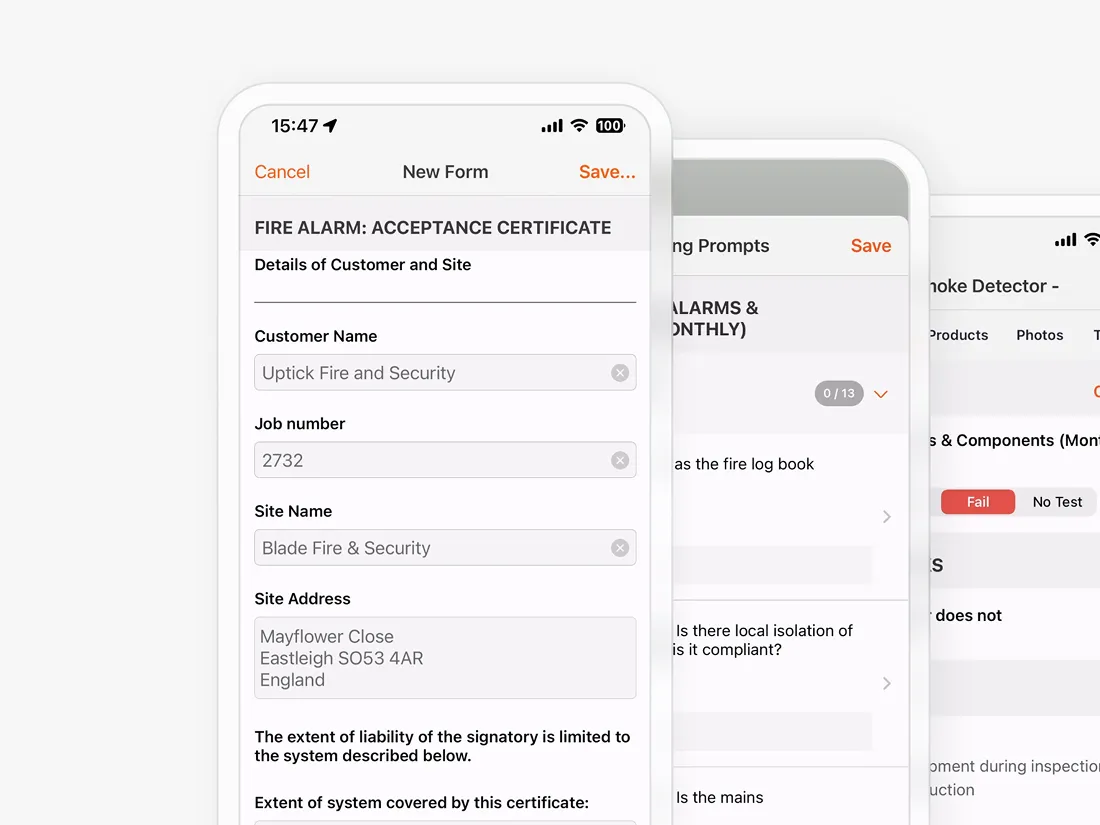
Full offline mode with auto-sync. Stable and intuitive on iOS and Android.
Limited offline capability. Users report freezing, data loss without connectivity, and difficulty completing administrative tasks outside the office.
Reporting
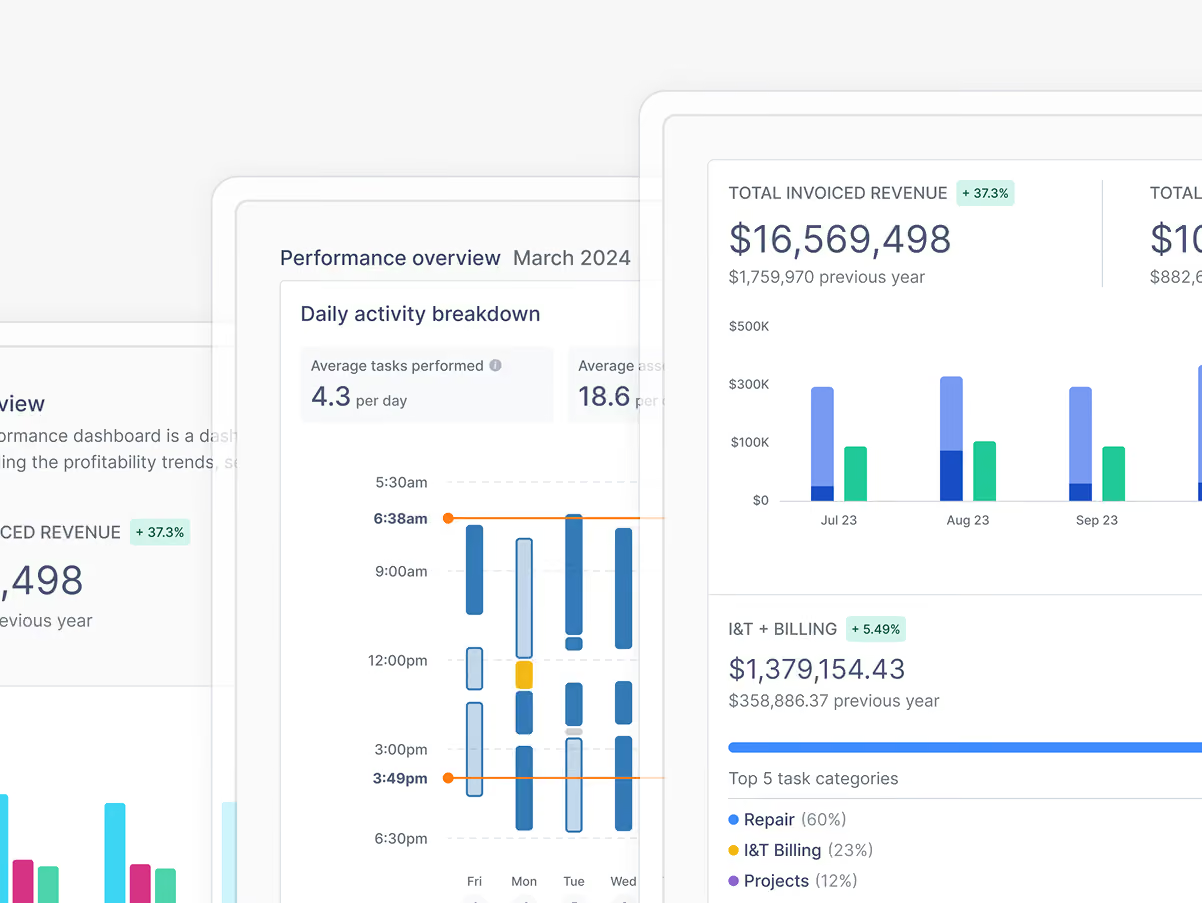
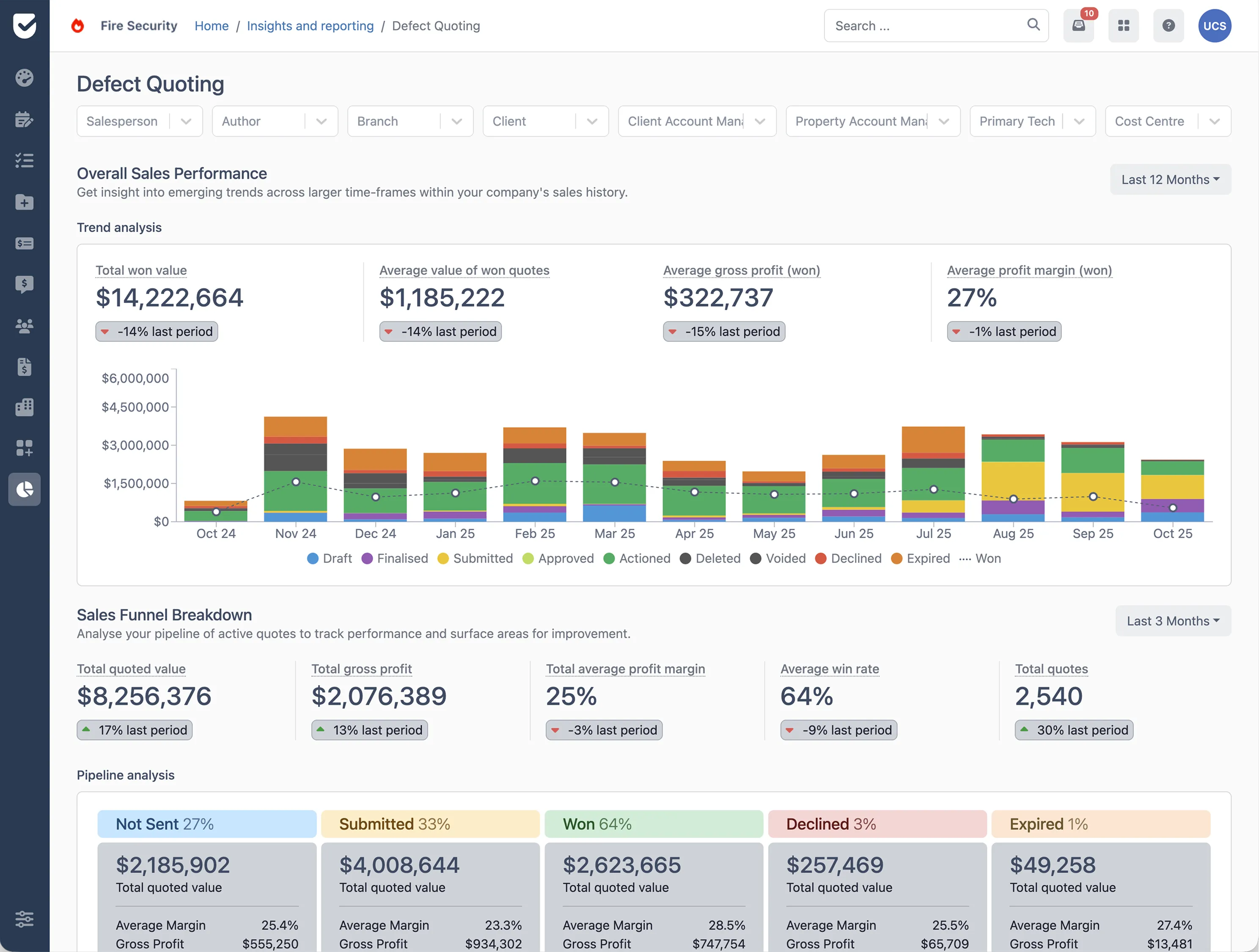
Easy report builder with real-time dashboards. Simple to create, filter, and share financial and compliance reports.
Custom reporting requires desktop-only access. Financial reporting, including invoicing data and prepayment handling, is a recurring limitation reported by customers.
Pricing Model
True all-in-one pricing. Every feature is included with no hidden charges or modules to unlock.
Tiered, modular pricing. Core features often require paid add-ons, and the platform's continued move toward more pricing tiers has frustrated customers looking for predictable costs.
Technician Mgmt
Multiple technicians per job with automatic time tracking built in.
Assigning multiple techs is cumbersome. Time tracking is typically manual.
Scheduling
Map-based scheduling with route optimization designed for inspection workflows.
Map and schedule on separate tabs. Routine task creation is a slow, multi-step process.
Projects
Native project management for installations with financial tracking and budget visibility.
No native project module. Users rely on workarounds for installation jobs.
Stock/Inventory
Native inventory with warehouse tracking, purchase orders, and FIFO costing.
No native inventory or stock management module.
Subcontractors
Free dedicated portal for subcontractors with custom permissions. Or cheaper lower priced license available.
No subcontractor portal. Often requires a full license per subcontractor.
Onboarding
Dedicated onboarding rep. Consistently rated highly by customers.
Users frequently report poor onboarding support and difficult transitions.
Integrations
Seamless two-way sync with QuickBooks Online, Xero, Sage, and more. Accounting integrations that work.
Multiple accounting integrations available, but several have been reported as unreliable or difficult to implement.
Fairness note: Comparison reflects publicly stated features on each company's website, April 2026.


WHERE UPTICK PULLS AHEAD
The three differences that matter most.
Purpose-Built for Fire Protection
Every feature is designed around fire and life safety. Inspection workflows are designed for NFPA 25, 72, and 10 and produce NFPA-compliant reports. Multi-location management, compliance reporting, and defect tracking are all built in, not adapted from a generic field service platform.
Uptick
Full offline mode
ServiceTrade
Not advertised
A True All-in-One System
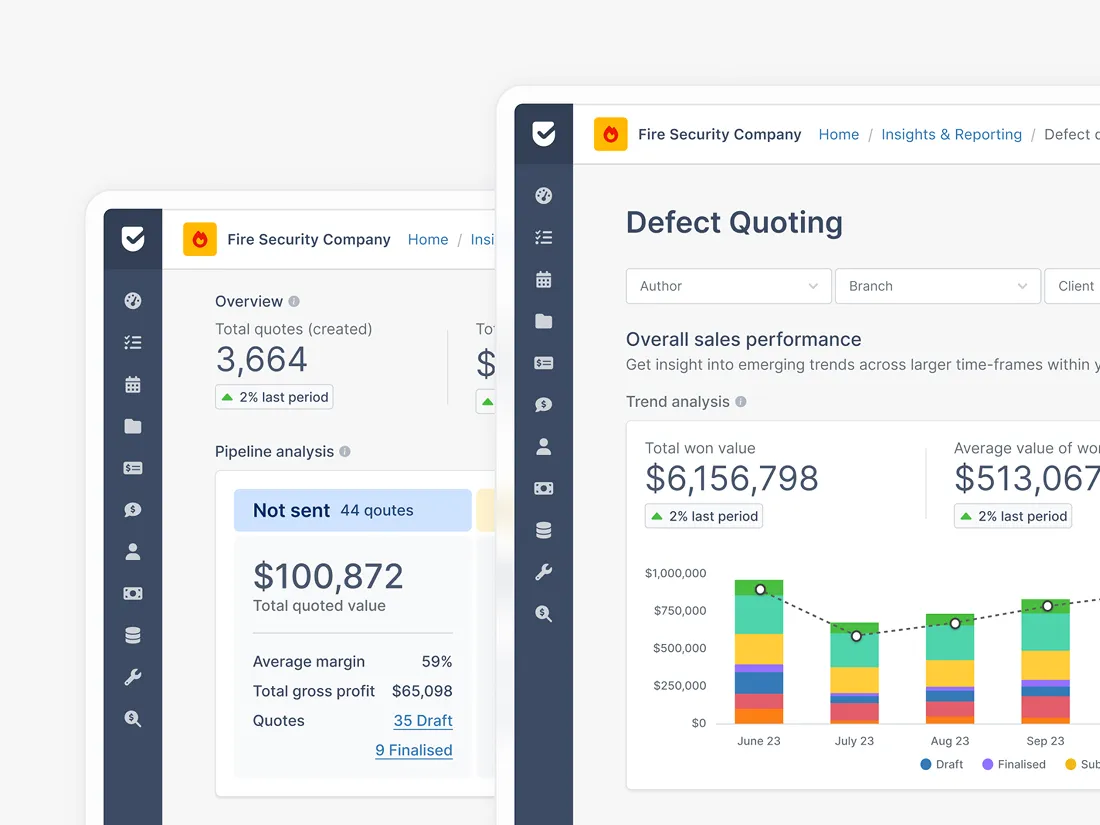
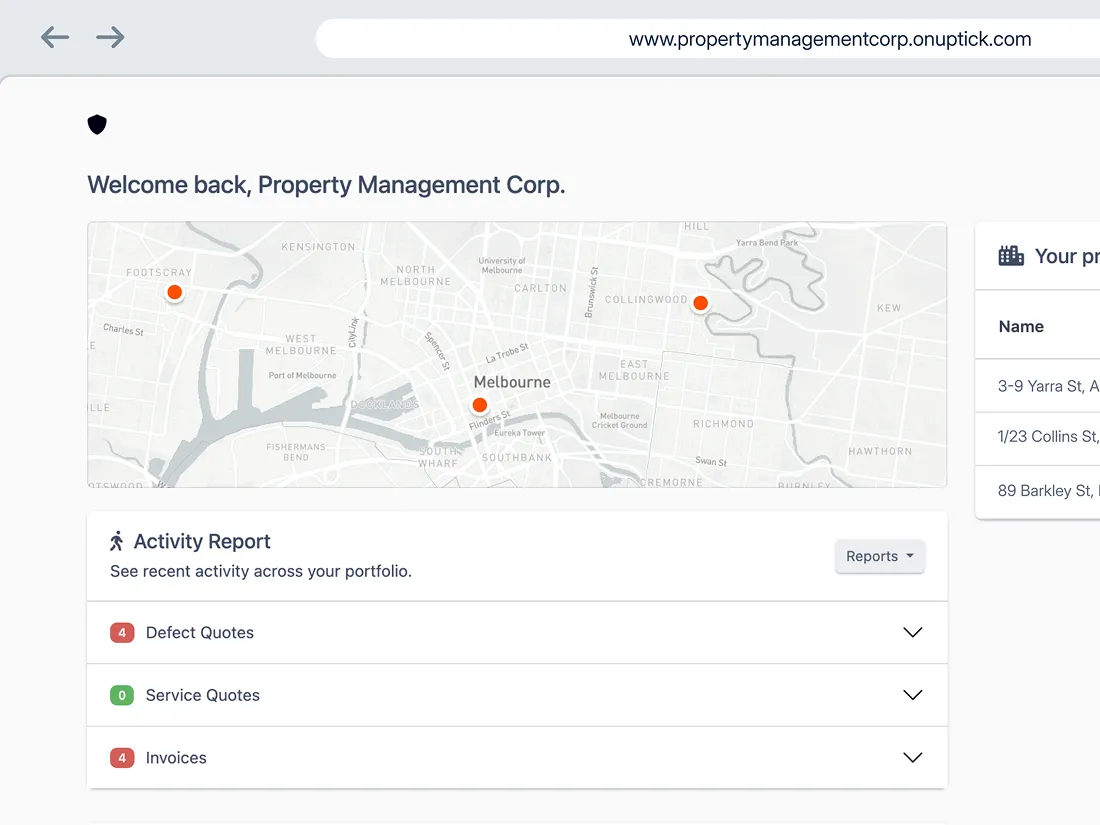
One platform manages scheduling, forms, quoting, billing, projects, stock, and subcontractors. No disconnected tools, no duplicate data entry, all at a single transparent price.
Uptick
Public · Monthly ·
Cancel any time
ServiceTrade
Demo-gated
Advanced Projects and Inventory
Native modules for large-scale installation project management and full inventory control. Capabilities ServiceTrade does not offer natively, and that generic tools require costly workarounds to replicate.
Uptick
Quote → Invoice, one
system
ServiceTrade
Core modules, gaps in
reporting & portal
Why teams make the switch
Real fire protection businesses. Real words.
These are verified customer quotes from the Uptick customer library. Full case studies available on request.

"It's almost flawless, and I can't believe I'm saying that about software."

Christal Larned
Owner · Colorado Fire Services
"The ease of use just elevates the quality of our entire service."

Chris Van Der Stokker
Founder · XDS Fire
"It's allowed me to step back and look at what the next six months looks like instead of firefighting every day."

Trevor Reep
CEO · Reep Fire Protection
"The biggest thing with Uptick was the versatility. It just fits how we actually work."

Josh Miller
Owner · Redline Fire Solutions
"If I can reduce admin time, it automatically pays for itself month after month."

Darius Kord
Owner · Kord Fire Protection
"What they have built is truly the most impressive fire inspection software on the planet."

Michael Galland
VP Transformation · Thompson Fire
SWITCHING IS EASIER THAN YOU THINK
We've moved dozens of teams off legacy and competitor systems. You keep running your business while we do the heavy lifting.
We migrate your data
Customers, sites, assets, service history schedules, and inspection forms. Pulled across by our onboarding team, not handed to
a CSV.
Weeks 1–3: Zero work for your team
Your team gets trained
Live role-specific sessions for admins, techs, and managers. Plus an on-demand library for anyone who joins later.
Weeks 4–6: Run in parallel
We get you live
Cut-over with dedicated support. Your customer success manager stays with you. No “self-serve cliff” after launch.
Weeks 7–8: Full support post-launch
What else do you need to know?
Is Uptick a better fit than ServiceTrade for fire protection companies?
For fire protection companies specifically, Uptick is built from the ground up for fire and life safety compliance. Inspection forms, NFPA compliance workflows, defect quoting, and compliance reporting are all included and designed for how fire businesses actually operate. ServiceTrade covers multiple trades, and fire-specific requirements like custom inspection forms and city-specific compliance workflows often require workarounds or additional tools. Companies moving from ServiceTrade most often cite reporting limitations, mobile reliability, and pricing structure as the drivers. The best way to compare is to see both platforms running the workflows you actually use.
How does Uptick's pricing compare to ServiceTrade?
Uptick is priced as a true all-in-one platform. Every feature is included, with no modules to unlock and no add-ons that compound the total cost as your team grows. ServiceTrade uses a tiered, modular model, and customers who have been on the platform for years describe frustration with the continued move toward more pricing tiers. The comparison that matters most is total cost of ownership: if you are currently paying separately for integrations, workarounds, or third-party tools to handle forms and reporting, that changes the headline number significantly.
Does Uptick support NFPA compliance forms and reporting?
Yes. Uptick facilitates inspection workflows and reports that align with the NFPA (eg. NFPA 25, NFPA 72, and NFPA 10) out of the box. Technicians complete inspections digitally in the field, and compliance reports and certificates can be generated automatically. There are no third-party tools required.
ServiceTrade requires additional configuration or external tools to achieve the same result for complex compliance documentation.
Does Uptick's mobile app work offline?
Yes. Uptick's mobile app is built for full offline use with automatic sync when connectivity is restored. Technicians can create jobs, complete forms, capture photos, and access full inspection history on any site, with or without signal. This matters on large commercial properties, hospitals, or multi-building complexes where connectivity is unreliable. ServiceTrade users have reported data loss and difficulty completing administrative tasks in similar conditions.
How hard is it to switch from ServiceTrade to Uptick?
Uptick handles the transition with a dedicated onboarding rep and a structured migration process. That covers migrating your client, asset, and inspection data, configuring your forms and workflows, and training your team. Companies that have made the move from ServiceTrade most often say the transition was faster than they expected. Uptick is consistently rated highly for onboarding quality, in contrast to the support complaints that appear regularly in ServiceTrade customer feedback.
Does Uptick work for fire protection businesses with multiple locations?
Yes. Uptick is designed for businesses running multiple branches or offices. Workflows are standardized across locations while per-location performance dashboards give management the visibility they need across the business.
No hard sell...
But you owe it to yourself to see why 1,000+ fire protection companies trust Uptick to run their business.


Uptick Software US Inc
1774 Platte Street
Denver CO
80202





Copyright Uptick ©year. All rights reserved. Privacy Policies.